
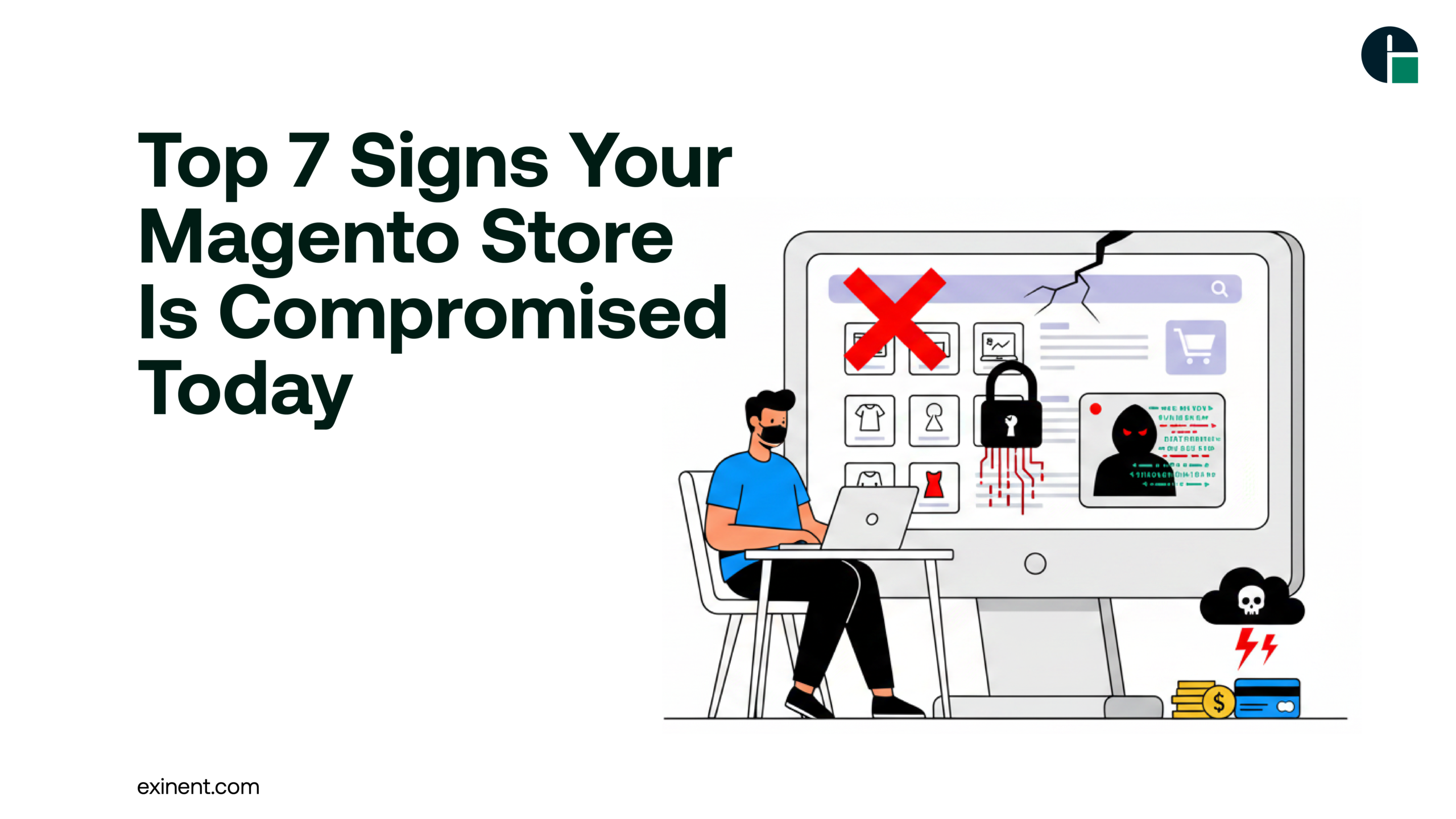
The recent Polyfill.io supply chain attack has sent shockwaves across the eCommerce ecosystem, exposing vulnerabilities in thousands of websites—including Magento stores. Attackers exploited a widely trusted JavaScript library to inject malicious code, putting customer data, payments, and store integrity at serious risk.
If you’re running a Magento store, early detection is critical. Ignoring subtle warning signs can lead to data breaches, SEO penalties, and revenue loss.
In this blog, we’ll cover the top 7 signs your Magento store may have been compromised, along with actionable solutions, real-world insights, and best practices to secure your business
Overview: Why the Polyfill Attack Matters
The Polyfill.io breach is a classic example of a supply chain attack, where hackers compromise a trusted third-party service to infect multiple websites at scale.
Impact on Magento Stores
- Injection of malicious JavaScript
- Redirection to harmful websites
- Skimming customer payment data
- SEO spam and blacklisting
Top 7 Signs Your Magento Store Has Been Compromised
1. Unexpected Changes in Website Behavior
If your website suddenly starts behaving differently—like redirecting users to unknown pages or displaying strange pop-ups—it could be a sign of injected malicious scripts.
Common symptoms include:
- Random redirects to spam or phishing sites
- Unauthorized pop-ups or ads
- Pages loading unusual content
2. Decline in Website Performance
A compromised Magento store often experiences slower load times due to malicious scripts running in the background.
Watch for:
- Increased page load time
- High server resource usage
- Unusual traffic spikes
3. Unauthorized Admin Access
Hackers may gain access to your Magento admin panel and create unauthorized accounts.
Red flags:
- Unknown admin users
- Changes in admin credentials
- Login attempts from unfamiliar locations
4. Suspicious Code in Files
After a supply chain attack like Polyfill, your website files may contain injected malicious JavaScript.
Check for:
- Obfuscated or encrypted code
- Unknown script references (especially external CDNs)
- Modified core Magento files
5. Google Blacklisting or SEO Drops
If Google detects malicious activity on your site, it may blacklist your store or show warnings to users.
Indicators:
- Sudden drop in search rankings
- “This site may be hacked” warning in search results
- Reduced organic traffic
6. Customer Complaints About Security Issues
Customers may notice issues before you do. Complaints about unusual behavior should never be ignored.
Examples:
- Payment failures
- Unauthorized transactions
- Account takeovers
7. Unusual Outgoing Traffic or Data Leaks
A compromised site may send data to unknown servers without your knowledge.
Look for:
- Unexpected outbound network traffic
- Data being transmitted to suspicious domains
- Alerts from your hosting provider
Benefits of Early Detection
Identifying a compromise early can save your business from major losses.
Key Benefits
- Prevent data breaches
- Protect customer trust
- Maintain SEO rankings
- Avoid financial penalties
Challenges in Detecting Magento Attacks
Despite these warning signs, detecting attacks isn’t always straightforward.
Common Challenges
- Obfuscated malicious code
- Delayed symptoms
- Hidden backdoors
- Lack of monitoring tools
Solutions & Best Practices to Secure Your Magento Store
1. Remove Polyfill.io Dependencies Immediately
- Replace with trusted, self-hosted libraries
- Audit all third-party scripts
2. Update Magento and Extensions
- Always use the latest patched version
- Remove unused extensions
3. Conduct a Full Security Audit
- Scan for malware and vulnerabilities
- Review server logs and access history
4. Strengthen Admin Security
- Enable two-factor authentication (2FA)
- Use strong, unique passwords
5. Implement Web Application Firewall (WAF)
- Block malicious traffic in real-time
- Protect against injection attacks
6. Monitor Website Activity
- Use security monitoring tools
- Set alerts for unusual behavior
7. Regular Backups
- Maintain automated daily backups
- Store backups securely offsite
Why Expert Support Matters
Magento security is complex and constantly evolving. Even a small vulnerability can lead to significant losses. Collaborating with an experienced Magento Development Company
helps you:
- Identify hidden vulnerabilities
- Implement advanced security protocols
- Ensure compliance with data protection standards
- Maintain optimal website performance
Conclusion
The Polyfill attack is a wake-up call for Magento store owners. Cyber threats are evolving, and relying on outdated security practices is no longer enough.
By recognizing the warning signs early and implementing robust security measures, you can protect your store, customers, and brand reputation