
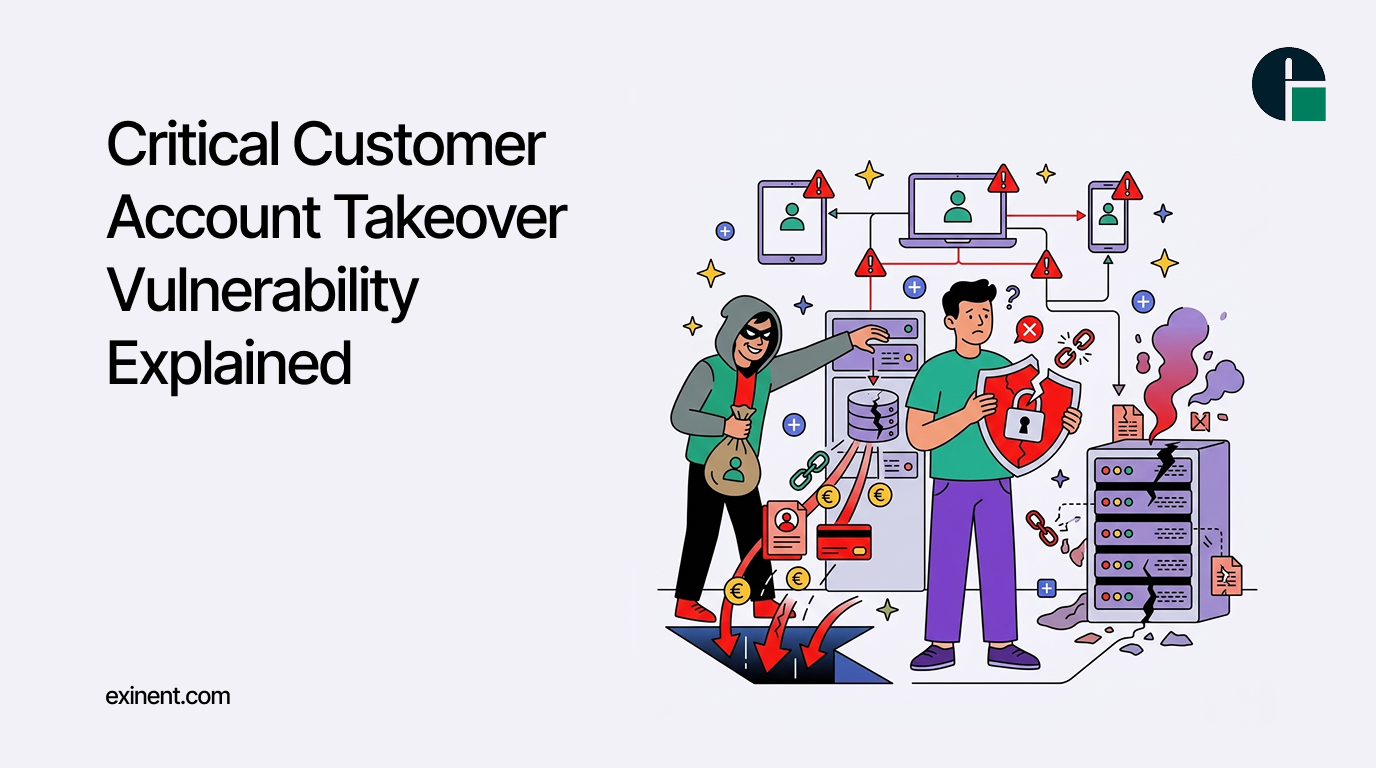
Magento remains one of the world’s most popular eCommerce platforms, powering thousands of online stores that process sensitive customer data and financial transactions every day. Because of its popularity, Magento is also a frequent target for cybercriminals looking to exploit security weaknesses. Adobe regularly releases security bulletins to address newly discovered vulnerabilities, and one of the most significant updates in August 2026 is Magento APSB26-92.
This security advisory addresses a critical vulnerability that could allow attackers to take over customer accounts, potentially exposing sensitive information and enabling fraudulent purchases. If you own or manage a Magento store, understanding this vulnerability and applying the necessary security patches should be your highest priority.
What Is Magento APSB26-92?
Magento APSB26-92 is an Adobe Security Bulletin released to fix multiple security vulnerabilities affecting Adobe Commerce and Magento Open Source installations. Among these issues, the most concerning is a Customer Account Takeover (ATO) vulnerability that could allow unauthorized users to gain access to legitimate customer accounts.
Once attackers gain control of an account, they may be able to:
- View personal customer information
- Access saved shipping addresses
- Retrieve order history
- Use stored payment methods where applicable
- Place fraudulent orders
- Modify customer credentials
- Damage your store’s reputation
Customer Account Takeover attacks are especially dangerous because they often appear to originate from legitimate user accounts, making detection much more difficult.
Understanding Customer Account Takeover
Customer Account Takeover occurs when an attacker successfully gains unauthorized access to a customer’s account. Unlike attacks that target server infrastructure directly, ATO attacks focus on user identities.
A compromised account can provide valuable customer information, loyalty rewards, saved payment methods, and purchase history. Attackers may also exploit customer trust by making unauthorized purchases or changing account details to lock out legitimate users.
In large-scale attacks, thousands of accounts may be compromised within a short period if the vulnerability remains unpatched.
Why APSB26-92 Is Considered Critical
Adobe classified this security bulletin as critical because successful exploitation can have severe business consequences.
Potential impacts include:
- Unauthorized customer access
- Data privacy violations
- Financial losses
- Increased chargebacks
- Customer trust issues
- Compliance concerns
- Brand reputation damage
For businesses handling customer data under regulations such as GDPR, CCPA, or PCI DSS, failing to patch critical vulnerabilities may also introduce compliance risks.
Who Is Affected?
Magento APSB26-92 affects specific versions of:
- Adobe Commerce
- Adobe Commerce on Cloud
- Magento Open Source
Any store running an affected version without the latest security update remains at risk. Even if your store uses additional security tools such as Web Application Firewalls (WAFs), they should not be considered replacements for installing official security patches.
If you’re unsure which Magento version your store is running, your development team or hosting provider should verify it immediately.
How Attackers Could Exploit the Vulnerability
Although Adobe intentionally limits technical details until customers have had time to update, a typical attack may follow this sequence:
- The attacker identifies a vulnerable Magento store.
- They exploit the authentication weakness addressed in APSB26-92.
- Customer account access is obtained without authorization.
- Sensitive account information is accessed.
- Fraudulent transactions or account modifications are performed.
Cybercriminals often automate these attacks, scanning thousands of online stores in search of vulnerable installations.
Warning Signs of Account Takeover
Store administrators should watch for unusual account activity, including:
- Multiple failed login attempts
- Unexpected password reset requests
- Customer complaints about unauthorized logins
- Suspicious orders from existing accounts
- Sudden changes to customer email addresses
- Increased refund requests
- Abnormal login locations or IP addresses
Early detection can significantly reduce the overall impact of an attack.
How to Protect Your Magento Store
Installing the APSB26-92 security update should be your first priority. However, patching alone is only one part of a comprehensive security strategy.
1. Apply the Official Adobe Security Patch
Update your Magento installation to the latest secure release provided by Adobe. Delaying updates increases the likelihood of automated attacks targeting known vulnerabilities.
2. Enable Multi-Factor Authentication
Protect administrator accounts with Multi-Factor Authentication (MFA). Even if credentials are compromised, MFA provides an additional security layer that significantly reduces unauthorized access.
3. Monitor Login Activity
Regularly review login logs and monitor for unusual authentication attempts, geographic anomalies, or repeated failed logins.
4. Keep Extensions Updated
Third-party Magento extensions can introduce additional security risks if left outdated. Remove unused extensions and update active ones promptly.
5. Use a Web Application Firewall
A properly configured WAF helps detect and block many malicious requests before they reach your Magento application.
6. Enforce Strong Password Policies
Require customers and administrators to use strong, unique passwords and encourage regular password updates.
7. Perform Regular Security Audits
Routine vulnerability assessments and penetration testing help identify security weaknesses before attackers do.
What Should Magento Store Owners Do Immediately?
If you manage a Magento store, consider the following checklist:
- Verify your Magento version.
- Review Adobe’s APSB26-92 security advisory.
- Install the recommended security updates.
- Test your store after patching.
- Monitor customer accounts for suspicious activity.
- Notify your development team if updates cannot be applied immediately.
- Schedule regular maintenance to avoid falling behind on future security releases.
The faster the vulnerability is addressed, the lower the risk of exploitation.
Final Thoughts
Cybersecurity threats continue to evolve, and attackers increasingly target eCommerce platforms that process valuable customer data. Magento APSB26-92 highlights the importance of maintaining a proactive security strategy rather than reacting after an incident occurs.
Customer Account Takeover attacks can result in financial losses, damaged customer relationships, and long-term reputational harm. Fortunately, these risks can be significantly reduced by applying Adobe’s security updates promptly, maintaining secure development practices, and continuously monitoring your store for suspicious activity.
If your Magento store has not yet been updated, now is the time to act. Staying current with Adobe’s security advisories and implementing best security practices will help protect your customers, safeguard your business, and ensure a secure shopping experience for everyone.
Secure Your Magento Store with Exinent
Need help applying the Magento APSB26-92 security patch or upgrading your Magento store? Exinent’s Magento 2 experts provide security updates, custom development, performance optimization, and ongoing support to keep your store secure and running smoothly.
Contact Exinent today for reliable Magento 2 development and security services.