
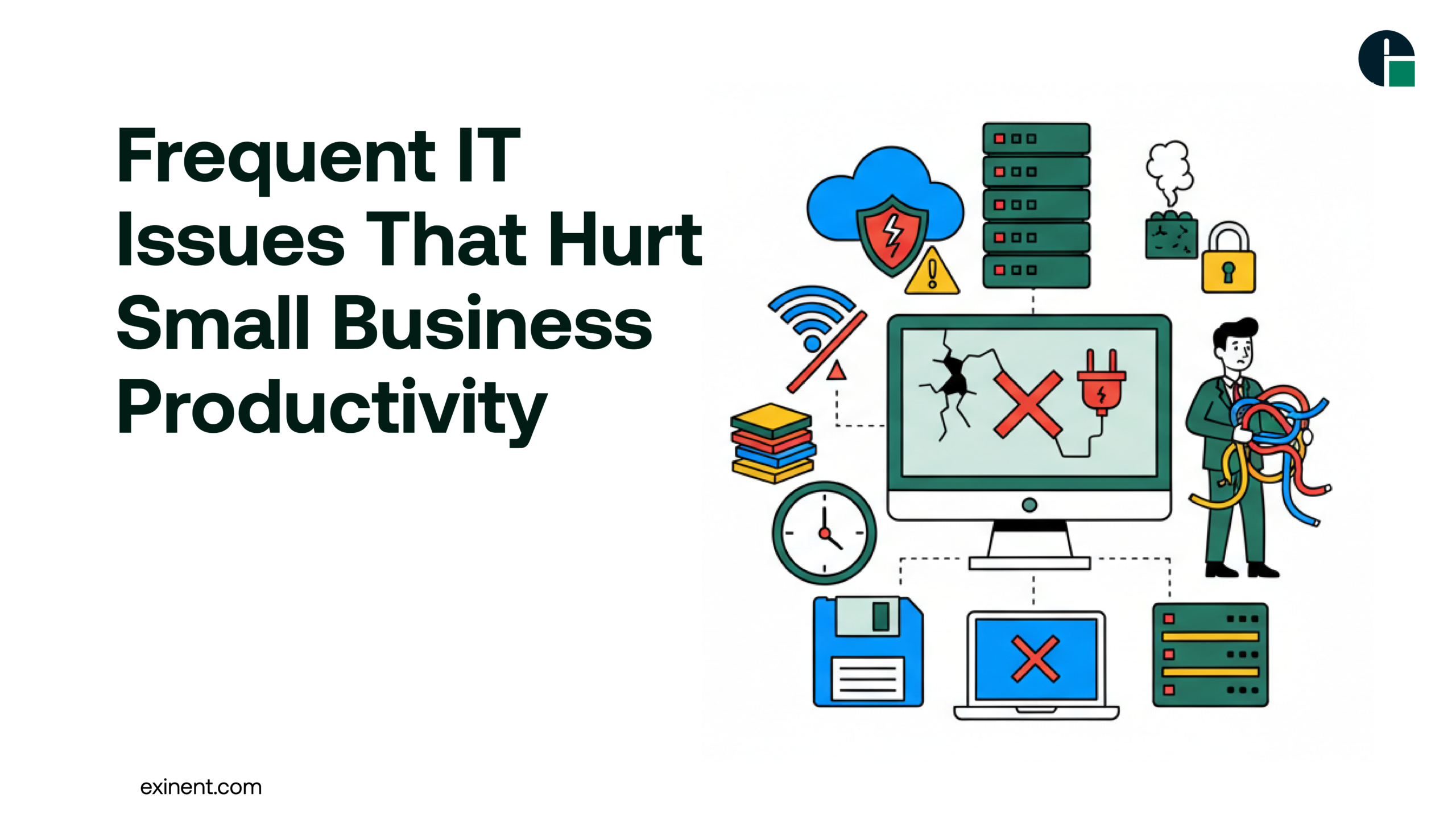
Technology is the backbone of modern small businesses. From communication tools and cloud platforms to cybersecurity systems and data management software, every daily task depends on IT infrastructure. However, frequent IT issues can silently drain productivity, increase operational costs, and damage customer trust.
In this guide, we explore the most common IT problems small businesses face, their impact, and practical solutions to prevent them. This article is designed to provide expert-level insights while remaining easy to understand and actionable.
Why IT Problems Hurt Small Business Growth
Small businesses often operate with limited resources and lean teams. When IT systems fail, even minor disruptions can have major consequences.
Key Impacts of IT Issues:
- Lost employee productivity
- Revenue loss due to downtime
- Security risks and data breaches
- Reduced customer satisfaction
- Increased long-term operational costs
Unlike large enterprises with dedicated IT departments, small businesses often rely on reactive support instead of proactive IT management. This approach leads to repeated issues and long recovery times.
Most Common IT Issues That Kill Productivity
1. Slow Network and Internet Connectivity
A slow network affects:
- Cloud applications
- Video conferencing
- File sharing
- Customer service systems
Employees waste hours waiting for systems to respond. Over time, this directly reduces overall business efficiency.
Common Causes:
Outdated routers or switches
Bandwidth overload
Poor network configuration
Lack of monitoring
2. Frequent System Downtime
Unexpected downtime is one of the biggest productivity killers. Whether it’s a server crash, software failure, or hardware malfunction, downtime halts operations immediately.
Example:
A retail business unable to process payments for two hours during peak sales can lose significant revenue and customer trust.
3. Cybersecurity Threats
Cyberattacks are no longer limited to large corporations. Small businesses are often targeted because they lack advanced protection systems.
Common Threats:
- Phishing attacks
- Ransomware
- Malware infections
- Data breaches
Security incidents not only disrupt operations but can also result in legal penalties and reputational damage.
4. Outdated Hardware and Software
Using outdated systems may seem cost-effective, but it often creates more problems than savings.
Risks Include:
- Compatibility issues
- Security vulnerabilities
- Slower performance
- Lack of vendor support
Regular updates and lifecycle management are essential to maintain stability.
5. Poor Data Backup and Recovery Planning
Many small businesses assume data loss “won’t happen to them.” Unfortunately, accidental deletion, cyberattacks, or hardware failure can wipe out critical data.
Without a structured backup and disaster recovery plan, businesses risk permanent data loss.
6. Lack of IT Strategy and Planning
IT should align with business goals. Without a structured technology roadmap, companies invest in tools that do not integrate properly, leading to inefficiencies.
Poor IT planning results in:
- Redundant systems
- Unnecessary expenses
- Integration failures
- Limited scalability
Benefits of Proactive IT Management
Proactive IT support focuses on prevention rather than reaction. This approach significantly reduces recurring issues.
Major Benefits:
- Reduced downtime
- Improved cybersecurity posture
- Predictable IT costs
- Faster issue resolution
- Better scalability
Partnering with a professional provider offering Managed IT Services helps small businesses gain enterprise-level IT support without the overhead of a full internal IT department.
Challenges Small Businesses Face in Managing IT
Despite understanding the risks, small businesses often struggle with:
Budget Constraints
Hiring in-house IT experts can be expensive.
Limited Technical Knowledge
Business owners may not fully understand emerging threats or best practices.
Rapid Technology Changes
Cloud computing, cybersecurity frameworks, compliance requirements, and AI tools evolve quickly.
These challenges make it difficult to maintain secure and efficient IT systems internally.
Best Practices to Prevent Productivity Loss
Here are proven strategies to reduce IT disruptions:
1. Conduct Regular IT Audits
Identify vulnerabilities, outdated systems, and performance bottlenecks.
2. Implement Strong Cybersecurity Measures
- Multi-factor authentication
- Endpoint protection
- Regular security updates
- Employee cybersecurity training
3. Invest in Reliable Backup Solutions
Use automated cloud backups with regular testing to ensure data recovery works when needed.
4. Monitor Systems Proactively
Real-time monitoring detects issues before they cause downtime.
5. Develop an IT Roadmap
Align technology investments with business growth goals.
6. Consider Outsourced IT Support
Professional IT service providers offer:
- 24/7 monitoring
- Helpdesk support
- Security management
- Compliance assistance
- Strategic IT planning
Conclusion
Frequent IT issues can silently drain productivity, increase costs, and damage business reputation. Small businesses cannot afford reactive IT strategies in today’s competitive digital landscape.
By implementing proactive monitoring, strong cybersecurity measures, regular audits, and strategic IT planning, businesses can prevent disruptions and focus on growth.
If you’re ready to eliminate recurring IT problems and improve operational efficiency, consider partnering with a trusted IT provider like Exinent Managed IT Services to ensure your technology supports—not hinders—your business success.
FAQ’S :
What are the most common IT issues that reduce small business productivity?
The most common IT issues include slow computers, frequent network downtime, outdated software, cybersecurity threats, and data loss. Studies show small businesses lose an average of 6–8 hours per employee per month due to IT disruptions. Poor system maintenance and lack of monitoring are often the root causes.
How does network downtime affect small business operations?
Network downtime stops access to email, cloud apps, payment systems, and shared files. Even one hour of downtime can cost small businesses hundreds to thousands of dollars in lost sales and wages. It also delays customer service and reduces employee efficiency.
Why do small businesses experience slow computer performance so often?
Slow performance usually happens because of outdated hardware, insufficient RAM, malware infections, or too many background applications. Without regular updates and system optimization, devices gradually become inefficient. Replacing hardware every 3–5 years can significantly improve speed.
How do cybersecurity threats impact small business productivity?
Cyberattacks such as phishing, ransomware, and malware can lock systems or steal sensitive data. Recovering from a ransomware attack can take days or weeks. Around 43% of cyberattacks target small businesses, making cybersecurity a major productivity risk.
What is the cost of ignoring IT maintenance for small businesses?
Ignoring IT maintenance leads to higher repair costs, longer downtime, and data recovery expenses. Emergency IT fixes can cost 2–3 times more than preventive maintenance. Regular updates and monitoring reduce unexpected breakdowns and extend system life.
How can outdated software hurt team collaboration and workflow?
Outdated software may crash frequently, lack security patches, and fail to integrate with modern tools. This slows file sharing, communication, and project tracking. Updating business applications ensures smoother collaboration and fewer compatibility issues.
Is managed IT support worth it for preventing productivity loss?
Yes, managed IT support helps monitor systems 24/7, prevent downtime, and resolve issues quickly. Businesses with proactive IT management report up to 50% fewer disruptions. It also provides predictable monthly costs instead of expensive emergency repairs.
What are the best practices to prevent frequent IT issues in small businesses?
Best practices include regular data backups, automatic software updates, cybersecurity training, hardware upgrades, and system monitoring. Creating a basic IT maintenance checklist and reviewing it quarterly helps reduce recurring problems. Proactive planning is more cost-effective than reactive fixes.
How does poor data backup affect small business productivity?
Without reliable backups, data loss from hardware failure or cyberattacks can halt operations. Recovering lost files may take days and sometimes data cannot be restored. Automated cloud backups reduce recovery time and ensure business continuity.