
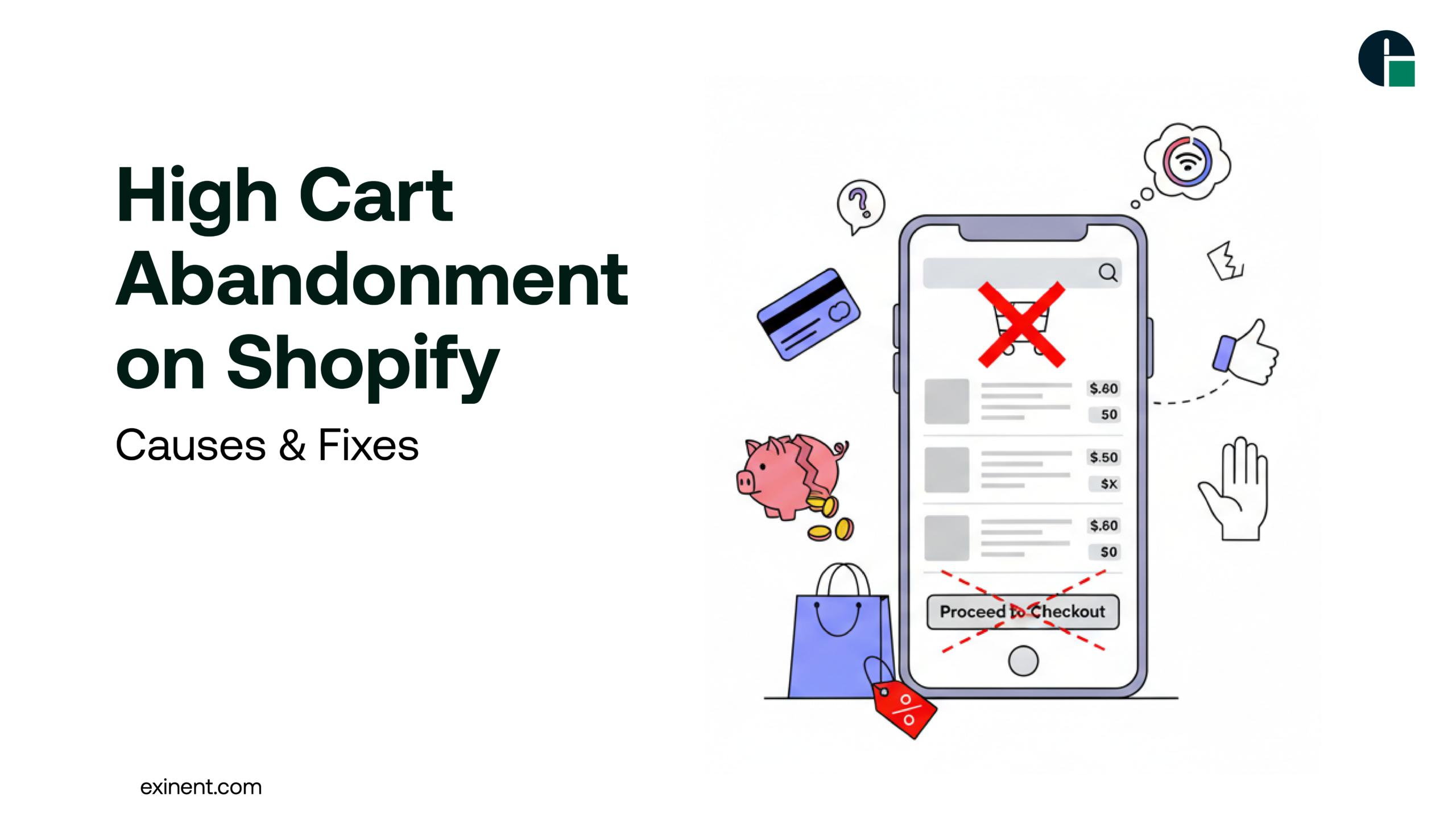
Cart abandonment is one of the most common and costly challenges for eCommerce businesses. If you’re running a store on Shopify, high cart abandonment can significantly impact your revenue, marketing ROI, and overall growth.
In this expert guide, we’ll explore the causes of high cart abandonment on Shopify, the benefits of fixing it, real-world examples, and actionable solutions to increase conversions and recover lost sales.
What Is Cart Abandonment on Shopify?
Cart abandonment occurs when a customer adds products to their cart but leaves the website before completing the purchase.
On average, global eCommerce cart abandonment rates hover around 60–80%. For Shopify store owners, this means:
- Lost revenue
- Higher customer acquisition costs
- Lower return on ad spend (ROAS)
- Reduced lifetime value (LTV)
Understanding why shoppers abandon their carts is the first step toward fixing the issue.
Benefits of Reducing Cart Abandonment
Lowering cart abandonment doesn’t just improve sales—it strengthens your entire eCommerce strategy.
Key Benefits:
- Higher conversion rates
- Increased average order value (AOV)
- Improved customer trust
- Better ad performance
- Higher profitability without increasing traffic
Instead of spending more on ads, optimizing your Shopify checkout flow can unlock revenue from existing traffic.
Top Causes of High Cart Abandonment on Shopify
Let’s examine the most common reasons Shopify stores struggle with abandoned carts.
1. Unexpected Shipping Costs
One of the leading causes is surprise fees at checkout. When customers see high shipping charges or taxes added at the last step, they leave.
Fix:
- Display shipping costs early
- Offer free shipping thresholds
- Use transparent pricing
2. Complicated Checkout Process
A lengthy or confusing checkout increases friction.
Common issues:
- Too many form fields
- Mandatory account creation
- Slow-loading checkout pages
Fix:
- Enable guest checkout
- Use Shop Pay and express payment options
- Reduce unnecessary fields
3. Slow Page Speed
Speed is critical for conversions. A delay of even a few seconds can increase bounce rates dramatically.
Fix:
- Optimize images
- Remove unused apps
- Use lightweight themes
- Implement performance optimization best practices
4. Lack of Trust Signals
Customers hesitate if they don’t feel secure.
Missing:
- SSL certificates
- Payment security badges
- Reviews and testimonials
- Clear return policies
Fix:
- Add trust badges
- Showcase customer reviews
- Provide visible refund and shipping policies
5. Forced Account Creation
Requiring customers to create an account before checkout adds friction.
Fix:
- Offer guest checkout
- Allow account creation after purchase
6. Limited Payment Options
Customers expect flexibility.
If you only offer credit cards, you may lose sales.
Fix:
- Add Shop Pay
- Enable PayPal, Apple Pay, Google Pay
- Offer Buy Now, Pay Later options
Challenges in Reducing Cart Abandonment
While solutions sound simple, implementation can be complex.
Common Challenges:
- Technical limitations
- Theme compatibility issues
- App conflicts
- Poor UX design
- Lack of data insights
This is where working with an experienced Shopify Development Company can help. Experts can audit your store, optimize checkout performance, and implement CRO (Conversion Rate Optimization) strategies tailored to your business.
Proven Solutions & Best Practices
Here’s a structured approach to reducing Shopify cart abandonment:
1. Optimize Checkout UX
- Simplify layout
- Minimize steps
- Use progress indicators
- Enable autofill
A clean, distraction-free checkout boosts conversions.
2. Improve Page Speed
- Compress images
- Limit third-party scripts
- Use performance-optimized themes
- Regularly audit speed metrics
Speed optimization directly impacts abandonment rates.
3. Use Abandoned Cart Recovery Emails
Shopify allows automated abandoned cart emails.
Best practices:
- Send within 1 hour
- Add a product image
- Include a limited-time incentive
- Personalize messaging
Recovered carts can increase revenue by 10–20%.
4. Add Exit-Intent Popups
Before users leave:
- Offer discount codes
- Provide free shipping
- Capture email addresses
This reduces bounce rates and builds remarketing lists.
5. Provide Transparent Policies
Display:
- Shipping timelines
- Return policies
- Customer support contact
Transparency builds trust and reduces hesitation.
6. Use Social Proof
Add:
- Product reviews
- Star ratings
- User-generated content
When customers see others purchasing, they feel more confident.
Final Thoughts
High cart abandonment on Shopify is not just a traffic problem—it’s a conversion problem.
By focusing on:
- Checkout simplification
- Speed optimization
- Transparent pricing
- Trust-building elements
- Smart recovery strategies
You can recover lost revenue and increase your store’s profitability.
If you’re ready to reduce cart abandonment and unlock higher conversions, partner with Exinent for expert Shopify optimization and development solutions tailored to your business goals.
FAQ’S :
What is high cart abandonment on Shopify and why does it happen?
High cart abandonment on Shopify means shoppers add products to their cart but leave without completing checkout. The average ecommerce cart abandonment rate is around 60–80%. Common causes include unexpected shipping costs, complicated checkout steps, forced account creation, slow site speed, and limited payment options. Mobile usability issues also increase drop-offs.
What is considered a high cart abandonment rate for a Shopify store?
A cart abandonment rate above 75% is generally considered high for a Shopify store. The global average across industries is about 70%. If your rate is consistently above 80%, it signals checkout friction or trust issues. Comparing your rate by device (mobile vs. desktop) helps identify specific problems.
How can I reduce cart abandonment on my Shopify checkout page?
Start by simplifying checkout to one page and enabling guest checkout. Show total costs (taxes and shipping) upfront before checkout. Add express payment options like Shop Pay, Apple Pay, or Google Pay. Improve page load speed to under 3 seconds and add trust badges near payment fields.
Why do unexpected shipping costs increase Shopify cart abandonment?
Unexpected shipping costs are the top reason for abandonment, causing nearly 48% of shoppers to leave. When users see extra fees at the final step, it breaks price expectations. Display shipping fees early on product pages or offer free shipping thresholds (e.g., free shipping above $50) to reduce shock.
Does slow website speed affect Shopify cart abandonment rates?
Yes, slow loading times directly increase abandonment rates. If a checkout page takes more than 3 seconds to load, conversion rates can drop by 20–30%. Optimize images, reduce heavy apps, and use Shopify’s built-in performance tools to improve speed. Faster sites create smoother checkout experiences.
How does complicated checkout design cause high drop-offs on Shopify?
A complicated checkout with too many form fields increases friction. Every extra field can reduce conversion rates by 5–10%. Remove unnecessary fields, enable address auto-fill, and avoid forcing account creation. A clean, minimal checkout improves completion rates.
Are limited payment options a reason for Shopify cart abandonment?
Yes, limited payment methods can cause shoppers to leave. Many users prefer digital wallets or Buy Now, Pay Later (BNPL) options. Offering multiple methods like credit/debit cards, Shop Pay, PayPal, and local payment gateways increases trust and flexibility. More payment choices typically increase conversions.
How can abandoned cart emails help recover lost Shopify sales?
Abandoned cart emails remind customers to complete their purchase. Sending the first email within 1 hour can recover up to 10–15% of lost carts. Include product images, a direct checkout link, and a limited-time incentive if needed. Automating a 2–3 email sequence improves recovery rates.