
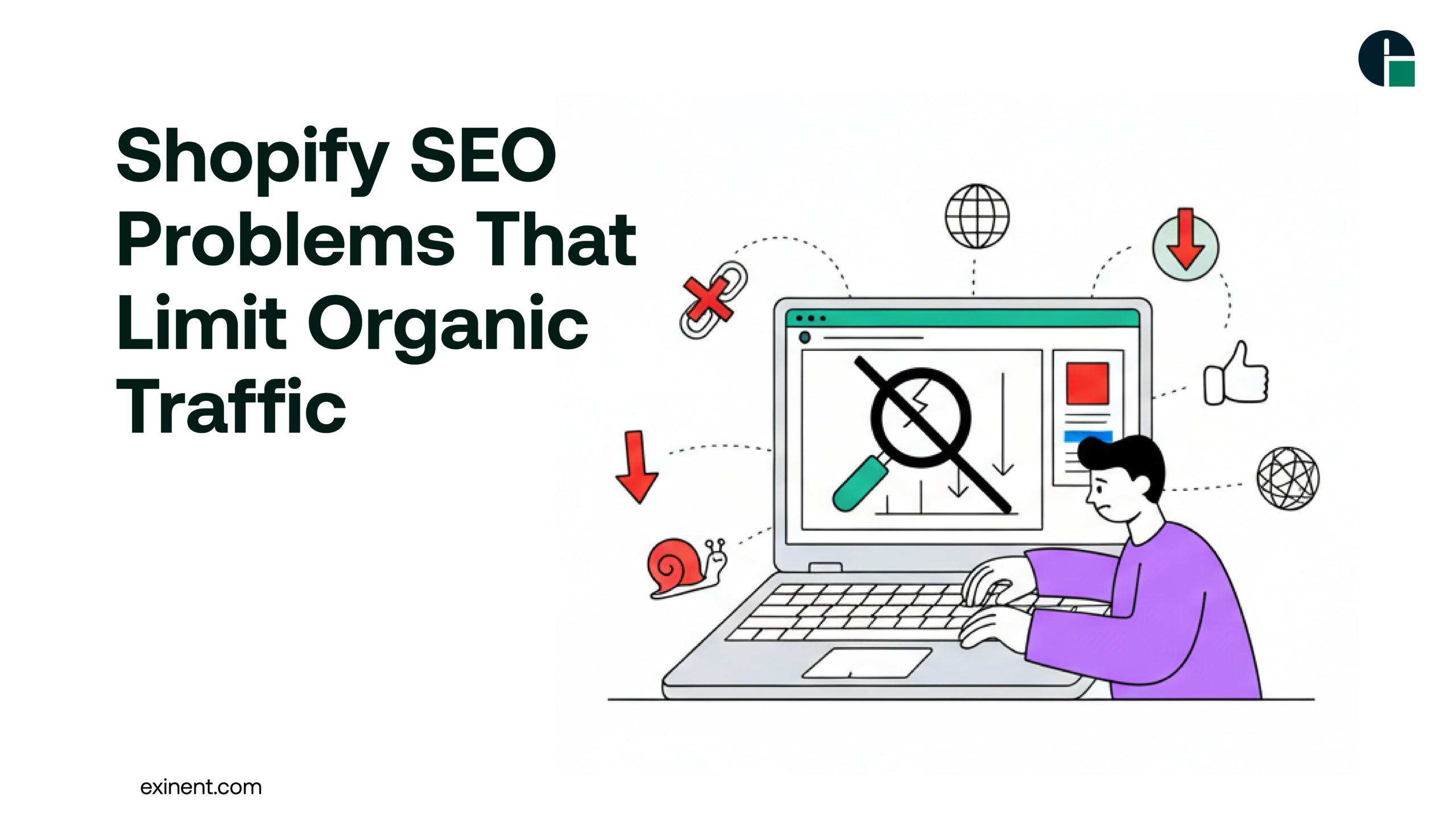
Search Engine Optimization (SEO) is vital for any ecommerce store that wants to grow organically and drive sustainable long-term traffic. For Shopify store owners, SEO should be at the heart of every growth strategy. However, despite Shopify being an intuitive and user-friendly platform, it comes with several common SEO limitations that can hinder visibility and prevent stores from reaching their full traffic potential.
In this blog, we’ll explore the key Shopify SEO problems that often limit organic traffic — and what store owners can do to overcome them.
Shopify SEO Matters for eCommerce Success
Organic traffic is one of the highest-converting and most cost-effective channels for online stores. When your Shopify store ranks well:
- You attract targeted buyers actively searching for products
- You reduce reliance on paid ads
- You build brand authority and trust
- You improve long-term ROI
However, SEO requires technical optimization, strategic content, and ongoing improvements. Ignoring SEO can result in stagnant traffic and lost revenue.
Common Shopify SEO Problems
1. Poor URL Structure That Hurts Ranking
One of the first SEO challenges with Shopify is its default URL structure. Shopify automatically adds prefixes like /products/, /collections/, and /pages/ to every permalink. While this might appear harmless, it limits the flexibility needed to create short, keyword-rich URLs that search engines prefer.
Solution:
Hire a Shopify Development company that understands advanced SEO settings and can help structure pages in the most search-friendly manner possible.
2. Duplicate Content Issues
Duplicate content is another major SEO problem on Shopify. This occurs when multiple versions of the same page exist, confusing search engines about which one to rank.
For instance, similar product pages can be accessible through different collections — creating multiple paths to the same content.
This duplication may happen through:
- Variant URLs
- Collection filtered pages
- Pagination
- Tag combinations
Search engines view duplicate content negatively, reducing the authority of your pages and stalling rankings.
Fix:
A professional Shopify Development company can implement canonical tags to signal which version of a page should be indexed. They can also manage pagination and filtering settings effectively so search engines focus on your most important content.
3. Slow Page Load Speeds
Page speed is a confirmed ranking factor in Google’s algorithm. Shopify stores that load slowly — especially on mobile devices — are penalized with lower rankings and higher bounce rates.
Common causes of slow pages include:
- Large images
- Excessive apps and scripts
- Unoptimized themes
With over 70% of ecommerce traffic coming from mobile devices, slow load speeds have a direct impact on your ability to convert visitors and rank organically.
Solution:
Optimize images before upload, limit third-party apps, and work with experienced developers to refine theme performance. Speed optimization is not an add-on — it should be part of your ongoing SEO strategy.
4. Limited On-Page SEO Flexibility
Shopify gives store owners basic options for titles, meta descriptions, and alt text. However, true on-page optimization goes beyond these basics.
For example:
- Rich snippets (schema markup)
- Custom heading structure
- Semantic HTML elements
These advanced SEO elements can greatly enhance how search engines understand and display your content.
But Shopify’s default setup doesn’t offer native support for many of these advanced features, restricting your optimization potential.
Solution:
Expert help from a seasoned Shopify Development company can bridge this gap. They know how to customize your store’s backend to support richer on-page SEO elements — without jeopardizing site performance.
5. Poor Internal Linking Structure
Internal links help search engines crawl your site and understand the relationship between pages. Shopify stores are often set up without intentional internal
linking strategies.
For example:
- Products rarely link to relevant blog posts
- Collections don’t always cross-link
- Product tags aren’t used for SEO value
Without a smart internal linking structure, your store loses valuable SEO juice and makes it harder for search engines to discover new pages.
Solution:
Create meaningful internal connections between product pages, blog posts, and collection categories. Strategic internal links help improve crawl depth, distribute page authority, and enhance user experience.
6. Thin or Non-Optimized Content
Shopify store owners often focus more on product photos and pricing than on the text that actually drives SEO. Many product descriptions are short, generic, or copied from the manufacturer — all of which are SEO red flags.
Search engines favor content that:
- Is unique and informative
- Uses relevant keywords strategically
- Answers user intent effectively
If your product pages only have a line or two of text, search engines have nothing meaningful to index — making it much harder to rank for valuable terms.
Solution:
Invest in quality content writing, keyword research, category descriptions, and blog posts that support your product pages. A Shopify Development company can assist in implementing structured content strategies and ensure that it aligns with search intent.
7. Ignoring Mobile Optimization
While Shopify themes are generally mobile responsive, responsiveness alone is not enough. Many Shopify stores are not fully optimized for mobile SEO, resulting in slow mobile pages or poorly laid-out content on small screens.
Since Google uses mobile-first indexing, this issue can severely limit organic traffic if not addressed.
Fix:
Review mobile-specific design, restructure content, and ensure that mobile navigation, load speed, and visuals are prioritized. Testing tools like Google PageSpeed Insights can reveal issues that need technical fixes.
8. Lack of Focus on Local SEO
For businesses with a physical presence or localized audience, neglecting local SEO is a missed opportunity. Shopify does not natively emphasize local SEO settings such as Google My Business integration, local schema markup, or localized content.
Neglecting local signals makes it difficult to rank in geo-targeted searches, even if your products or services are relevant to nearby consumers.
Solution:
Set up local business schema, optimize store contact pages, and create localized content to connect with nearby customers. Engage in reviews and listings to boost local relevance.
Benefits of Fixing Shopify SEO Problems
When you address these SEO challenges, you can expect:
- Increased organic traffic
- Higher keyword rankings
- Better conversion rates
- Stronger domain authority
- Improved AI search engine visibility
SEO is not just about traffic; it’s about attracting the right customers.
Final Thoughts
Shopify is one of the most popular ecommerce platforms for good reason — it’s powerful, scalable, and user-friendly. But when it comes to SEO, it has limitations that can significantly hinder organic traffic if left unaddressed.
From technical issues like duplicate content and slow load speeds to strategic deficiencies like poor content and internal linking, many common SEO problems can be solved — with the right expertise.
Whether you’re just launching your store or scaling for the long term, addressing these SEO limitations should be a priority in your growth plan. For many merchants, working with a trusted Shopify Development company brings both technical skill and strategic clarity — enabling your store to rank better, attract more organic visitors, and convert more traffic into revenue.
FAQ’S :
What are the most common Shopify SEO problems that limit organic traffic?
Common Shopify SEO problems include duplicate content from product variants, poor site structure, slow page speed, and missing meta tags. Many stores also struggle with thin product descriptions and unoptimized images. These issues prevent search engines from properly indexing and ranking pages. Fixing technical and on-page SEO can significantly improve organic traffic.
Why does duplicate content happen in Shopify stores?
Duplicate content often occurs because Shopify automatically creates multiple URLs for collections, tags, and product variants. This confuses search engines about which page to rank. Canonical tags and proper URL structure help solve this problem. Without fixing duplicates, your rankings can drop or remain stagnant.
How does slow page speed affect Shopify SEO rankings?
Page speed is a direct ranking factor in Google’s algorithm. If your Shopify store loads in more than 3 seconds, users may leave, increasing bounce rates. Heavy apps, large images, and unoptimized themes are common causes. Improving speed can boost both SEO performance and conversions.
Is Shopify bad for SEO compared to WooCommerce?
Shopify is not bad for SEO, but it has certain limitations. Unlike WooCommerce, Shopify has restricted URL customization and limited server access. However, with proper optimization—like structured data, keyword targeting, and technical fixes—Shopify stores can rank just as well as other platforms.
How do poor product descriptions hurt Shopify organic traffic?
Thin or duplicate product descriptions reduce content quality and keyword relevance. Search engines prefer detailed, unique descriptions with 300–500 words. Without optimized content, your product pages may not rank for long-tail keywords. Adding FAQs, specs, and benefits improves visibility.
What technical SEO issues are common in Shopify stores?
Common technical SEO issues include broken links, missing alt text, improper redirects, and unoptimized sitemap settings. Shopify also creates automatic URLs that may need canonical adjustments. Running regular SEO audits helps identify and fix these problems before rankings drop.
How do Shopify apps negatively impact SEO performance?
Installing too many apps can slow down your site and add unnecessary scripts. Some apps create duplicate pages or messy code. This affects Core Web Vitals and crawl efficiency. Regularly removing unused apps can improve performance and SEO.
How can I fix Shopify SEO problems to increase organic traffic?
Start with an SEO audit to identify technical and on-page issues. Optimize titles, meta descriptions, and headings with relevant keywords. Improve page speed, fix duplicate content, and create high-quality blog content. Consistent optimization can increase organic traffic within 3–6 months.