
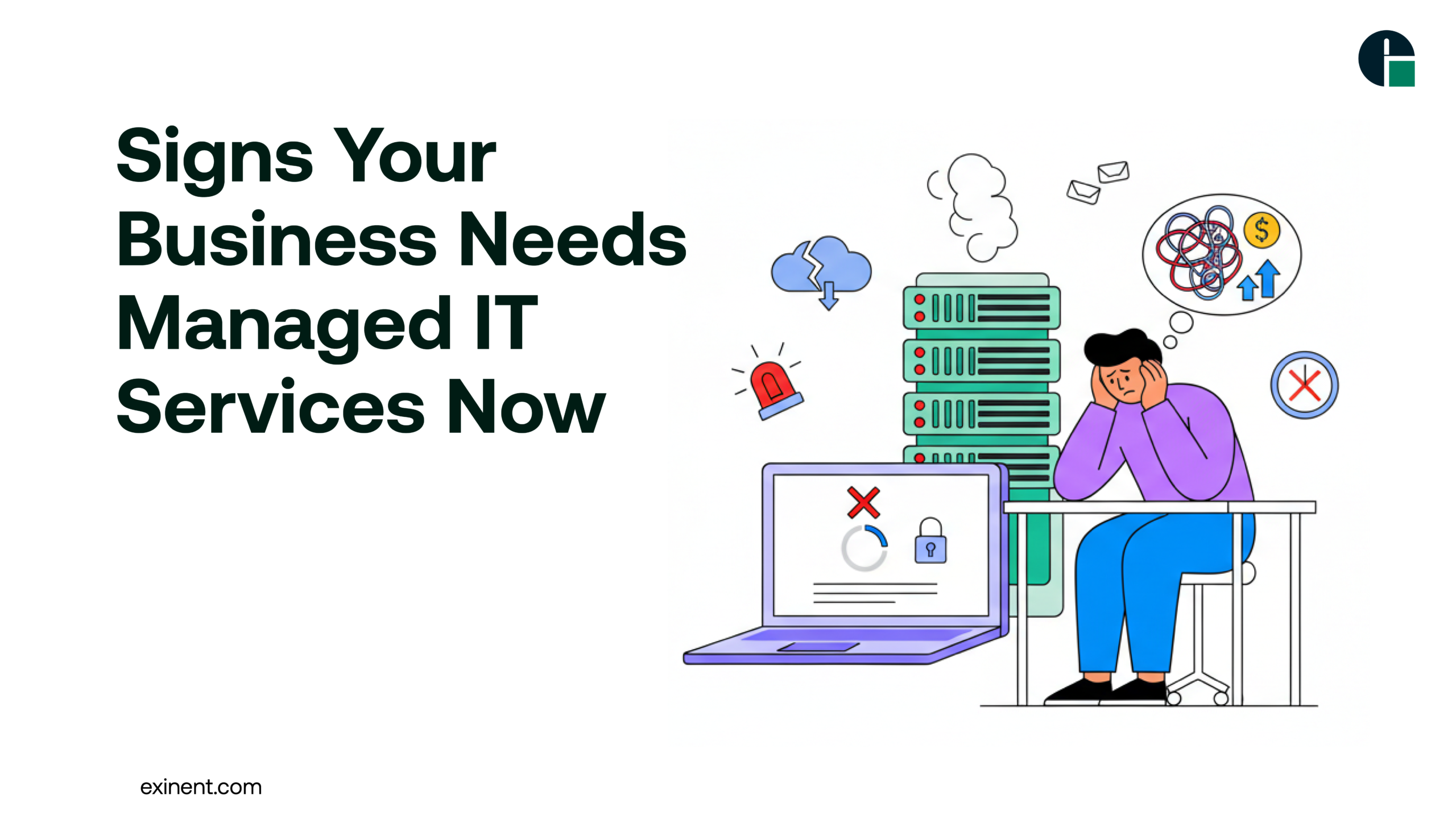
Technology drives modern business. From cloud applications and remote work to cybersecurity and compliance, IT infrastructure is now mission-critical. However, many growing companies struggle to manage IT internally. If your systems are slowing down productivity or increasing risks, it may be time to consider professional support.
This guide explains the key signs your business needs Managed IT Services, the benefits, common challenges, best practices, and answers to frequently asked questions.
What Are Managed IT Services?
Managed IT Services involve outsourcing your IT operations to a specialized provider, often called a Managed Service Provider (MSP). These experts proactively monitor, maintain, secure, and optimize your IT environment.
Services typically include:
- 24/7 network monitoring
- Cybersecurity management
- Cloud infrastructure support
- Data backup and disaster recovery
- Helpdesk support
- Compliance and risk management
Instead of reacting to IT problems, MSPs focus on prevention and performance optimization.
Benefits of Managed IT Services
Partnering with a professional provider offers several advantages:
Proactive Monitoring and Maintenance
Issues are identified before they cause disruption.
Enhanced Cybersecurity
Advanced threat detection and compliance-ready security frameworks reduce risks.
Predictable Costs
Flat-rate pricing improves financial planning.
Access to IT Expertise
You gain a team of certified professionals without hiring internally.
Scalability
As your business grows, IT infrastructure scales accordingly.
For comprehensive solutions, explore professional Managed IT Services designed to support modern businesses.
10 Signs Your Business Needs Managed IT Services
1. Frequent IT Downtime
If your team regularly experiences system crashes, slow networks, or server outages, it directly impacts revenue and customer trust. Downtime is often a sign of outdated infrastructure or poor monitoring.
2. Rising Cybersecurity Threats
Cyberattacks are increasing globally. If your business lacks:
- Multi-layered security
- Regular vulnerability assessments
- Endpoint protection
- Incident response planning
You may be exposed to data breaches and ransomware attacks.
3. IT Costs Are Unpredictable
Break-fix IT models create fluctuating expenses. Emergency repairs, hardware failures, and security incidents can quickly inflate your budget. Managed IT offers predictable monthly pricing.
4. Your Internal IT Team Is Overwhelmed
Small in-house IT teams often juggle:
- User support
- Software updates
- Security patches
- Strategic planning
This leads to burnout and reactive problem-solving instead of innovation.
5. Compliance Requirements Are Increasing
Industries like healthcare, finance, and eCommerce face strict compliance regulations. Without proper IT governance, you risk penalties and legal complications.
6. Remote Work Is Difficult to Manage
Hybrid and remote teams require:
- Secure VPN access
- Cloud collaboration tools
- Endpoint management
- Secure device policies
If remote employees struggle with connectivity or security, it’s a red flag.
7. Data Backup and Recovery Plans Are Weak
Ask yourself:
- When was the last successful backup test?
- How fast can you recover from a disaster?
Without a tested disaster recovery strategy, business continuity is at risk.
8. Technology Is Holding Back Growth
Are outdated systems slowing expansion? Are new tools difficult to integrate? Growth requires scalable IT infrastructure.
9. Lack of Strategic IT Planning
If your business lacks a clear IT roadmap aligned with business goals, you may miss opportunities for automation, cloud optimization, or digital transformation.
10. Customer Experience Is Affected
Slow systems, payment failures, or website downtime damage brand reputation. Reliable IT is critical for seamless customer experiences.
Common Challenges Businesses Face
Even with IT systems in place, organizations encounter challenges such as:
- Legacy system integration
- Limited cybersecurity awareness
- Cloud migration complexity
- Vendor management issues
- Lack of internal documentation
These problems often escalate without proactive IT governance.
Best Practices for Implementing Managed IT Services
To maximize ROI, follow these proven steps:
1. Conduct an IT Audit
Assess infrastructure, security posture, hardware lifecycle, and compliance gaps.
2. Define Business Goals
Align IT strategy with operational and revenue objectives.
3. Choose the Right MSP
Look for:
- Industry experience
- Certified engineers
- Transparent SLAs
- 24/7 support availability
4. Prioritize Cybersecurity
Implement zero-trust architecture, multi-factor authentication, and regular penetration testing.
5. Monitor Performance Metrics
Track KPIs such as:
- Downtime frequency
- Incident response time
- Security incidents
- System performance
Final Thoughts
Technology is no longer optional — it’s foundational to business success. If you’re experiencing downtime, rising IT costs, cybersecurity risks, or growth limitations, these are strong indicators that professional support is necessary.
Managed IT Services provide proactive security, strategic guidance, and scalable infrastructure that align with business goals. Instead of reacting to IT emergencies, you can focus on innovation and growth.
If you’re ready to strengthen your IT foundation and future-proof your business, consider partnering with Exinent’s Managed IT Services team to build a secure, reliable, and high-performing technology environment.
FAQ’S :
What are the clear signs your business needs Managed IT Services now?
If you experience frequent IT downtime, slow systems, recurring cybersecurity issues, or unresolved helpdesk tickets, it may be time for Managed IT Services. Other warning signs include rising IT costs, outdated hardware, and no disaster recovery plan. If your internal team spends more than 30% of their time fixing tech issues, outsourcing can improve efficiency and stability.
How does Managed IT Services work for small and mid-sized businesses?
Managed IT Services work through proactive monitoring, maintenance, and remote support. A provider monitors your systems 24/7, applies security updates, backs up data, and resolves issues before they cause downtime. Most services operate on a monthly subscription model. This prevents unexpected repair costs and improves system reliability.
Is it worth investing in Managed IT Services instead of hiring in-house IT staff?
For many small businesses, yes. Hiring one full-time IT employee can cost 40–60% more annually than a managed service plan. Managed providers offer a full team of specialists for a fixed monthly fee. This gives access to cybersecurity, cloud support, and compliance expertise without paying multiple salaries.
What problems can Managed IT Services prevent?
Managed IT Services can prevent data breaches, system crashes, ransomware attacks, and long downtime periods. They also reduce risks caused by outdated software or weak network security. Proactive monitoring can detect issues up to 70% faster than reactive support. This helps maintain business continuity.
How much does Managed IT Services typically cost?
Costs vary based on company size and services needed. On average, small businesses pay between $100–$250 per user per month. Pricing depends on security requirements, cloud infrastructure, and support level. A predictable monthly cost is usually more affordable than emergency IT repairs.
Can Managed IT Services improve cybersecurity protection?
Yes, cybersecurity is one of the biggest benefits. Providers implement firewalls, endpoint protection, multi-factor authentication, and regular security audits. They also monitor for suspicious activity 24/7. This significantly lowers the risk of phishing attacks, ransomware, and data loss incidents.
When should a growing business switch to Managed IT Services?
A growing business should consider switching when adding new employees, moving to the cloud, or handling sensitive customer data. Rapid growth often strains internal IT resources. If scaling technology becomes slow or risky, managed support ensures smoother expansion and secure infrastructure upgrades.
What are the risks of not using Managed IT Services?
Without Managed IT Services, businesses face higher risks of downtime, data loss, and cyberattacks. The average cost of IT downtime can range from hundreds to thousands of dollars per hour. Lack of proactive monitoring increases vulnerability. Over time, reactive IT support becomes more expensive and disruptive.