
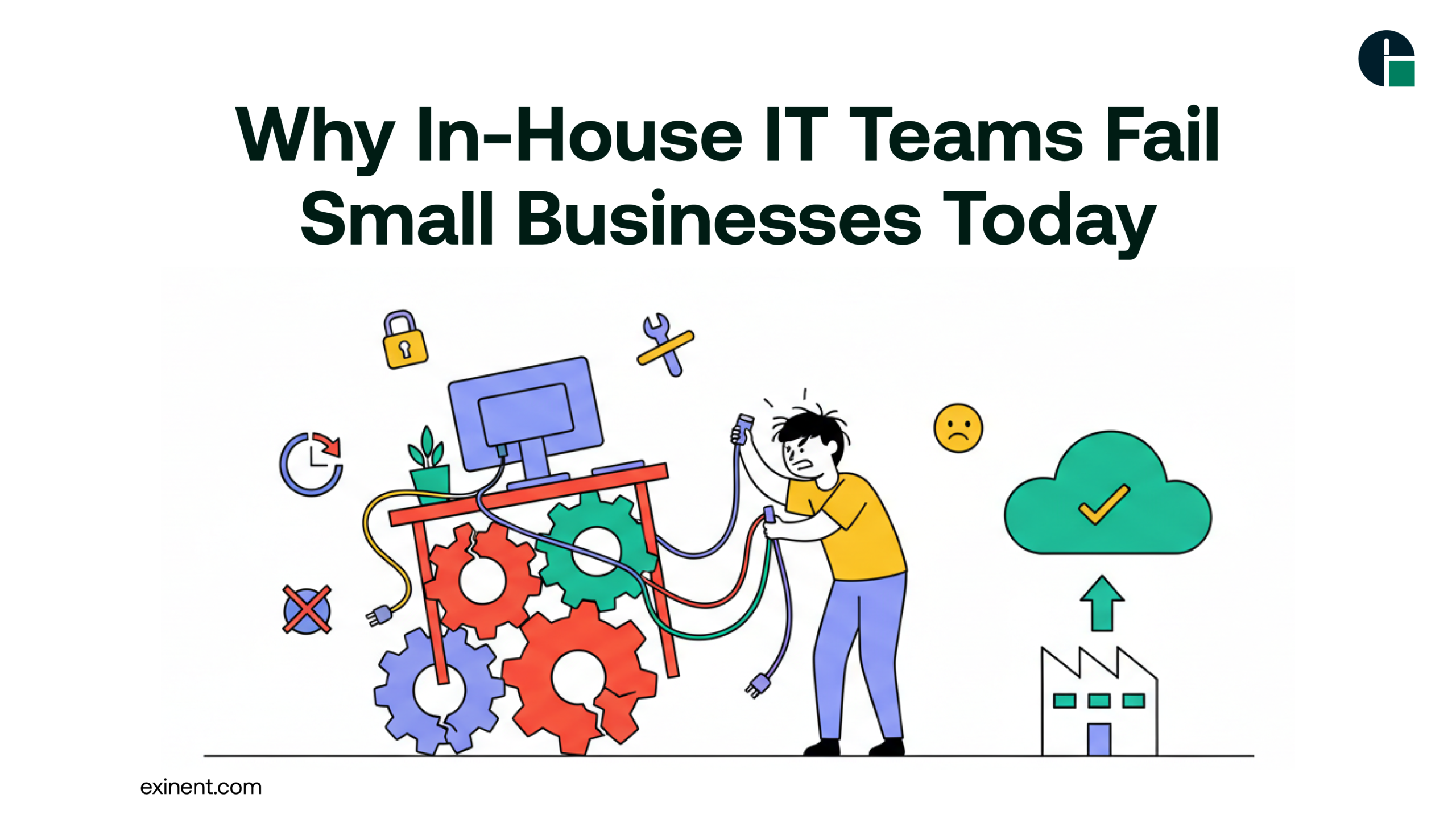
Small businesses often believe hiring an in-house IT technician or building a small internal IT team will solve their technology challenges. While this approach may seem practical, many small and mid-sized businesses (SMBs) quickly realize that managing IT internally can create more problems than it solves.
From rising costs and cybersecurity risks to limited expertise and downtime, in-house IT teams frequently struggle to keep up with modern business demands. In this blog, we’ll explore why in-house IT teams fail small businesses, the hidden challenges,and smarter alternatives that drive growth and stability.
The Growing IT Complexity for Small Businesses
Technology is no longer just about fixing computers. Today, businesses rely on:
- Cloud infrastructure
- Cybersecurity systems
- Remote workforce tools
- Data backup and disaster recovery
- Compliance management
- Software integrations
Managing these systems requires specialized skills, 24/7 monitoring, and strategic planning. Most small businesses simply don’t have the budget or resources to build a fully capable internal IT department.
Benefits of Having an In-House IT Team
Before discussing the failures, it’s important to acknowledge the perceived benefits:
1. Immediate On-Site Support
Having someone physically present can speed up minor hardware or network fixes.
2. Business Familiarity
An internal IT employee understands company workflows and internal systems.
3. Direct Control
Business owners may feel they have more control over IT decisions.
However, these benefits often come with significant limitations.
Why In-House IT Teams Fail Small Businesses
1. Limited Skill Sets
Most small businesses hire one or two IT staff members. Modern IT requires expertise in:
- Cybersecurity
- Cloud computing
- Network management
- Compliance regulations
- Backup & disaster recovery
- Endpoint security
One person cannot master all these domains. This knowledge gap creates vulnerabilities.
2. High Operational Costs
Hiring in-house IT involves:
- Salary and benefits
- Training and certifications
- Software tools
- Hardware infrastructure
- Paid leave and turnover costs
For small businesses, this can cost significantly more than outsourcing, especially when compared to scalable service models.
3. Lack of 24/7 Monitoring
Cyber threats and system failures don’t happen during office hours.
Without round-the-clock monitoring:
- Security breaches go undetected
- Server downtime lasts longer
- Backup failures remain unnoticed
Small internal teams cannot realistically provide 24/7 protection.
4. Reactive Instead of Proactive IT
Many in-house IT teams operate in “break-fix” mode:
- Fix issues after they occur
- Address complaints instead of preventing problems
- Focus on daily troubleshooting instead of long-term strategy
This reactive approach increases downtime and reduces productivity.
5. Cybersecurity Risks
Cyberattacks are increasing, and small businesses are prime targets. Inadequate security protocols can lead to:
- Ransomware attacks
- Data breaches
- Compliance violations
- Financial penalties
Without specialized cybersecurity expertise, internal IT teams may miss critical vulnerabilities.
6. Scalability Challenges
As your business grows, your IT needs become more complex:
- More users and devices
- Multi-location offices
- Cloud migrations
- Advanced data analytics
Scaling an in-house IT team requires new hires and higher budgets, which many small businesses cannot sustain.
Smarter Solutions for Small Businesses
Instead of depending entirely on in-house IT, many businesses adopt hybrid or fully outsourced models.
1. Partner with Managed IT Experts
Outsourcing to a professional provider ensures:
- 24/7 monitoring
- Advanced cybersecurity
- Proactive system maintenance
- Scalable support
- Predictable monthly costs
Businesses looking to reduce downtime and improve performance often turn to Managed IT Services for comprehensive IT management.
2. Focus on Strategic IT Planning
IT should align with business goals. Best practices include:
- Quarterly technology audits
- Cloud cost optimization
- Cybersecurity risk assessments
- Disaster recovery planning
A strategic IT roadmap reduces long-term risks.
3. Implement Proactive Cybersecurity Measures
Small businesses should adopt:
- Multi-factor authentication (MFA)
- Endpoint detection and response (EDR)
- Regular penetration testing
- Employee cybersecurity training
Prevention costs far less than recovery.
4. Adopt Scalable Cloud Infrastructure
Cloud solutions allow businesses to:
- Expand without buying hardware
- Enable remote work
- Improve collaboration
- Reduce maintenance costs
This reduces the burden on internal teams.
Best Practices to Avoid IT Failure]
To prevent IT breakdowns, small businesses should:
- Avoid relying on a single IT employee
- Conduct regular security audits
- Maintain updated backups
- Monitor systems 24/7
- Budget for proactive IT investments
- Use data-driven decision-making
Combining internal oversight with external expertise delivers the best results.
Final Thoughts
In-house IT teams fail small businesses not because employees lack dedication, but because modern IT demands exceed the capacity of small internal departments. Limited expertise, high costs, and cybersecurity threats create risks that many SMBs cannot afford.
A smarter approach involves proactive planning, scalable solutions, and expert support. If your business is experiencing recurring downtime, security concerns, or rising IT costs, it may be time to rethink your strategy.
Discover how Exinent’s Managed IT Services can strengthen your infrastructure, reduce downtime, and support long-term business growth.
FAQ’S :
Why do in-house IT teams fail small businesses so often?
In-house IT teams fail small businesses mainly due to limited staff, budget constraints, and lack of specialized skills. Most small companies have 1–2 IT employees managing security, support, cloud, and backups. This leads to burnout, slow response times, and missed updates. Over 60% of small businesses operate without a dedicated cybersecurity expert.
What are the biggest challenges small businesses face with in-house IT support?
The biggest challenges include skill gaps, outdated tools, and 24/7 support limitations. A small IT team may not have expertise in cloud migration, cybersecurity, compliance, and disaster recovery at the same time. They also struggle to monitor systems after business hours, increasing downtime risks.
Is an in-house IT team enough for growing small businesses?
In most cases, no. As businesses grow, IT complexity increases by 2x–3x due to more users, devices, cloud apps, and data. A small internal team cannot scale quickly without increasing payroll costs. Growth often outpaces internal IT capabilities.
Why does in-house IT increase downtime for small companies?
Downtime increases when there is no proactive monitoring or backup IT staff. If one technician is unavailable, issues remain unresolved. Small businesses experience an average of 10–20 hours of downtime per year, often due to delayed patching or slow incident response.
How expensive is maintaining a full in-house IT department?
Hiring a single experienced IT manager can cost $70,000–$120,000 per year, excluding tools, training, and benefits. A full team with cybersecurity and cloud expertise may exceed $200,000 annually. For many small businesses, this is not cost-effective compared to outsourced models.
What cybersecurity risks do small businesses face with in-house IT teams?
Small businesses face ransomware, phishing, and data breach risks when IT teams lack advanced security expertise. Around 43% of cyberattacks target small businesses. Without continuous monitoring and regular audits, vulnerabilities remain unpatched and attackers exploit them quickly.
How does limited IT expertise affect cloud and digital transformation projects?
Limited expertise delays cloud migrations, ERP upgrades, and system integrations. Projects often exceed timelines by 20–30% due to misconfiguration or lack of planning. Small IT teams may not have certifications or hands-on experience with enterprise-level cloud platforms.
What are the risks of relying on a single IT person in a small business?
Relying on one IT professional creates a “single point of failure.” If that person resigns, takes leave, or lacks expertise, business operations suffer. Knowledge is not documented properly, leading to security gaps and longer recovery times during outages.
When should a small business consider alternatives to in-house IT?
A small business should consider alternatives when downtime increases, security incidents occur, or IT costs rise without measurable ROI. If IT projects are delayed or growth is restricted by technical limitations, it’s a sign the current model is insufficient. Many companies switch when they reach 25–50 employees.
What are best practices to prevent in-house IT failure in small businesses?
Best practices include regular security audits, documented processes, 24/7 monitoring, and backup staffing plans. Businesses should invest in employee cybersecurity training and quarterly system updates. Combining internal oversight with external expertise often reduces risk and improves scalability.