
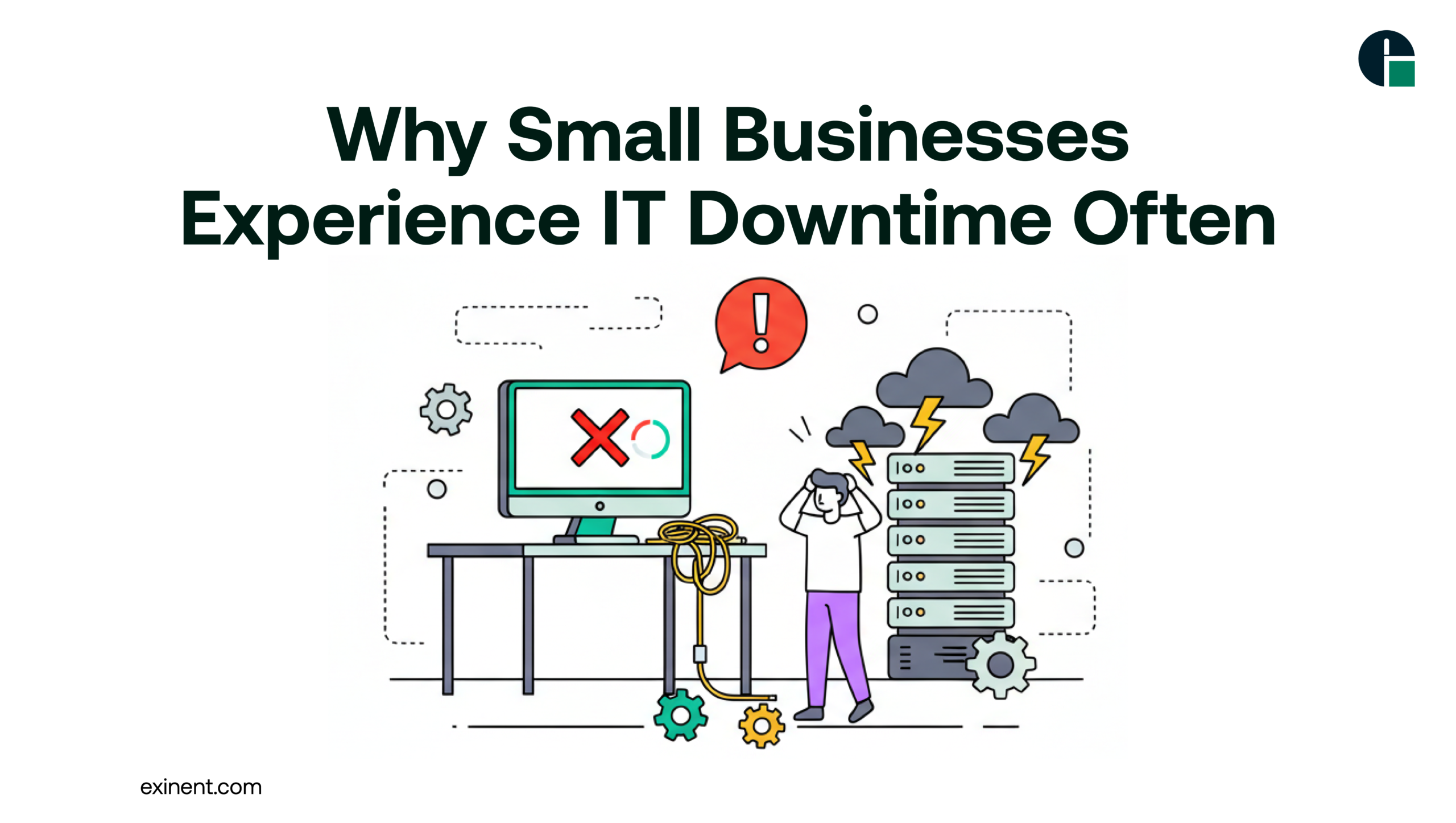
In today’s digital age, technology is the backbone of nearly every small business. From email and e-commerce platforms to point-of-sale systems and cloud applications, reliable IT isn’t just a convenience — it’s essential. Yet for many small businesses, IT downtime happens far too often, bringing operations to a grinding halt, frustrating employees and customers alike, and costing money every minute systems are offline.
Understanding why small businesses experience frequent IT downtime is the first step toward mitigating the problem. Below, we explore the root causes of downtime, the impact it has on businesses, and proven strategies to reduce downtime, including how proactive support like Managed IT Services can make a significant difference.
What Is IT Downtime?
IT downtime refers to any period when critical systems — servers, networks, applications, or websites — are unavailable or not performing as expected. This can range from a few seconds of slowness to hours or even days of complete outage. For small businesses operating on tight margins, even a short outage can have outsized consequences.
Common Causes of IT Downtime
Small businesses often face several overlapping issues that make IT downtime more frequent and disruptive than in larger organizations. These include:
1. Hardware Failures
Aging or poorly maintained hardware is one of the most common causes of downtime. Servers, storage devices, and networking equipment wear out over time, and if they fail unexpectedly, can bring operations to a halt. Without redundancy systems in place, these failures quickly escalate into significant disruptions.
2. Software Issues and Updates
Software can be fickle. Incompatible updates, unpatched systems, or bugs in critical applications can cause crashes or failures. Many small businesses delay updates because they’re unsure of the impact, but this can backfire when old software becomes unstable or vulnerable.
3. Cybersecurity Breaches
Cyberattacks such as ransomware, malware, or phishing attacks are increasingly common and costly. These attacks can lock businesses out of their own systems, corrupt data, or force systems offline to contain a breach. Small businesses often lack robust cybersecurity, making them vulnerable targets.
4. Human Error
Accidental deletions, misconfigurations, or mistakes during maintenance are surprisingly common. A simple misstep like deleting the wrong file or misconfiguring a server can take systems offline and require significant effort to fix.
5. Network Failures
Internet outages, DNS misconfigurations, router failures, and service provider interruptions can disconnect businesses from essential cloud services and online tools. Even if internal systems are working, external connectivity issues can feel exactly like downtime to employees and customers.
6. Limited IT Management Resources
Many small businesses don’t have a dedicated IT team. Instead, they rely on overstretched staff or part-time consultants who react to problems rather than prevent them. Without proactive monitoring and maintenance, small issues can snowball into lengthy outages.
Why Downtime Happens More Often for Small Businesses
Small businesses face unique challenges when it comes to maintaining reliable IT systems:
Budget Constraints
Unlike larger organizations that can afford enterprise-grade infrastructure, small businesses often opt for cheaper or basic systems. These solutions might lack redundancy, backups, or high-availability features that reduce downtime.
Lack of Proactive Monitoring
Downtime frequently stems from issues that build slowly over time — like failing hardware or emerging security threats. Small businesses without round-the-clock monitoring often miss early warning signs.
Reactive Support Models
Many small businesses wait until something breaks before calling for IT help. This reactive model means downtime is already happening before anyone begins troubleshooting — a costly and inefficient approach.
The Real Cost of Downtime
The financial impact of IT downtime can be staggering:
- Lost Revenue: E-commerce sites that go offline stop generating sales immediately. Retail and service businesses lose transactions and bookings.
- Productivity Losses: Employees can’t work if they can’t access the systems they need. Even short outages can ripple through projects and deadlines.
- Customer Trust and Reputation Damage: Customers expect reliable service. If systems are frequently down, customers may take their business elsewhere.
- Recovery Costs: Emergency support, data recovery, and overtime can all add unexpected costs after a downtime event.
Even if a business continues operating, the indirect costs — disruption, morale damage, and lost opportunities — can significantly outweigh the immediate financial impact.
How to Reduce IT Downtime
Understanding the causes of downtime is only the first step. To truly minimize disruption, small businesses should adopt preventive strategies.
1. Regular Maintenance and Monitoring
Routine hardware checks, software updates, and system health monitoring can catch issues before they escalate. Automated alerts and proactive maintenance help ensure problems are fixed early.
2. Backup and Disaster Recovery Plans
Having cloud backups and tested recovery procedures means businesses can restore operations quickly in case of failures or attacks.
3. Employee Training and IT Best Practices
Training staff on secure email habits, proper system usage, and reporting potential issues can reduce human-error-related downtime.
4. Managed IT Solutions
Outsourcing IT management to professionals ensures systems are monitored 24/7, vulnerabilities are addressed proactively, and downtime risks are significantly reduced. For many small businesses, partnering with a provider of Managed IT Service means gaining access to expertise and tools that would otherwise be out of reach.
Beyond just reacting to outages, managed services focus on prevention — keeping systems updated, secure, and optimized. These services often include proactive monitoring, cybersecurity protection, rapid response support, and strategic planning to align technology with business goals. They act as an extension of your team and transform IT from a cost center into a performance enabler.
Final Thoughts
IT downtime is not just a technical issue—it is a business risk. Small businesses experience frequent downtime due to outdated systems, limited expertise, cybersecurity threats, and reactive IT strategies.
By investing in proactive monitoring, regular updates, disaster recovery planning, and expert support, businesses can significantly reduce downtime and improve operational resilience.
If your organization is struggling with recurring outages or unpredictable IT performance, consider partnering with a trusted provider like Exinent Managed IT Services to build a stable, secure, and scalable IT environment that supports long-term growth.
FAQ’S :
What is IT downtime and why do small businesses experience it so often?
IT downtime is the period when systems, servers, or networks stop working and employees cannot access business tools. Small businesses experience it more often because they rely on limited IT staff, outdated hardware, and reactive maintenance. Studies show small companies can lose hundreds to thousands of dollars per hour during outages.
What are the most common causes of IT downtime in small businesses?
The most common causes include hardware failure, software crashes, cyberattacks, human error, and power outages. Ransomware and phishing attacks are rising threats for small businesses. Lack of regular updates and poor backup systems also increase downtime risk.
How does outdated technology increase IT downtime risk?
Old servers, unsupported software, and aging network equipment are more likely to fail. They often lack security patches and performance updates. This makes systems slower and more vulnerable to cyber threats, leading to frequent disruptions.
How much does IT downtime cost a small business per hour?
IT downtime can cost small businesses anywhere from $300 to $5,000 per hour, depending on company size and industry. Costs include lost sales, reduced productivity, recovery expenses, and potential data loss. Even a few hours of downtime can significantly impact revenue.
Can cyberattacks really cause frequent IT downtime for small companies?
Yes, cyberattacks like ransomware and malware are major downtime causes. Around 40–50% of cyberattacks target small businesses because they often have weaker security. Recovery can take hours or even days without proper backups and security tools.
How does lack of IT support contribute to repeated system failures?
Without proactive IT monitoring, issues go unnoticed until systems crash. Many small businesses rely on “break-fix” support instead of preventive maintenance. This reactive approach increases the frequency and duration of downtime incidents.
What are the warning signs that a business may face IT downtime soon?
Slow system performance, frequent crashes, outdated antivirus software, and irregular backups are warning signs. Unusual network activity and repeated error messages also indicate risk. Addressing these signs early can prevent major outages.
What are the best ways to reduce IT downtime in small businesses?
Best practices include regular software updates, automated data backups, cybersecurity protection, and 24/7 system monitoring. Creating a disaster recovery plan and training employees on security awareness also helps. Preventive maintenance reduces downtime by up to 50% in many cases.
Is investing in managed IT services worth it to prevent downtime?
Yes, managed IT services provide continuous monitoring, security updates, and fast issue resolution. This proactive approach reduces downtime risk and improves system reliability. For many small businesses, the monthly cost is lower than the losses caused by just one major outage.