
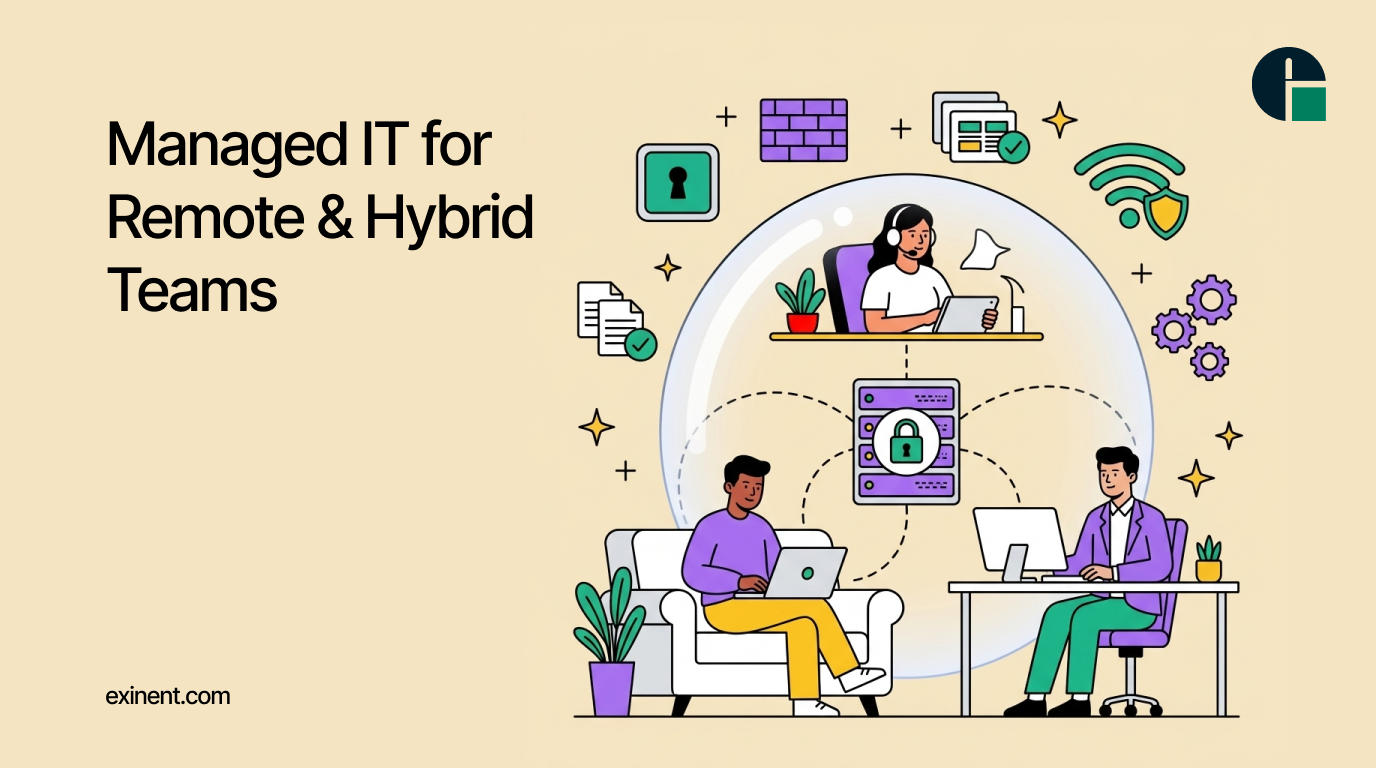
The modern workplace has evolved dramatically over the last few years. Remote and hybrid work models have become the standard for many organizations, allowing employees to work from home, coworking spaces, or distributed offices. While this flexibility improves employee satisfaction and business agility, it also introduces new challenges related to technology management, cybersecurity, collaboration, and support.
This is where Managed IT for Remote & Hybrid Teams plays a critical role. Businesses need reliable IT infrastructure, proactive monitoring, and secure access to company resources to ensure employees remain productive regardless of location. Partnering with a trusted provider of Managed IT Services helps organizations streamline operations, reduce downtime, and maintain a secure digital workplace.
Understanding Managed IT Services for Remote Work Environments
Managed IT services involve outsourcing IT management and support to experienced technology professionals. Instead of relying solely on an internal IT team, businesses gain access to specialized expertise, advanced monitoring tools, and 24/7 support.
For remote and hybrid teams, managed IT providers oversee critical technology functions such as:
- Network monitoring and management
- Endpoint security
- Cloud infrastructure support
- Help desk services
- Data backup and disaster recovery
- Device management
- Software updates and patch management
- Collaboration platform administration
These services ensure employees can access the tools they need while maintaining security and compliance standards.
The Challenges of Managing Remote and Hybrid Teams
Organizations operating with distributed workforces often face several technology-related obstacles.
Security Risks
Remote employees frequently connect through home networks or public Wi-Fi connections, creating additional cybersecurity vulnerabilities. Without proper protection, businesses become more susceptible to phishing attacks, ransomware, malware, and unauthorized access.
Device Management Complexity
Employees may use company-issued laptops, personal devices, tablets, and smartphones. Managing multiple endpoints across different locations can overwhelm internal IT teams.
Increased Support Demands
Technical issues can significantly impact productivity when employees work remotely. Delayed support leads to downtime, missed deadlines, and employee frustration.
Collaboration Challenges
Hybrid teams rely heavily on cloud-based collaboration tools. Poor configuration or performance issues can disrupt communication and workflow efficiency.
Managed IT providers address these challenges through proactive management and ongoing support.
How Managed IT Supports Remote and Hybrid Workforces
1. Enhanced Cybersecurity Protection
Cybersecurity remains one of the biggest concerns for remote organizations. Managed IT providers implement multiple layers of protection to safeguard sensitive business information.
Common security measures include:
- Multi-factor authentication (MFA)
- Endpoint detection and response (EDR)
- Firewall management
- Email security solutions
- VPN implementation
- Security awareness training
These protections help minimize risks while supporting secure remote access.
2. Proactive Monitoring and Maintenance
Rather than waiting for systems to fail, managed IT teams continuously monitor networks, devices, and cloud environments.
This proactive approach helps identify issues before they impact operations. Regular software updates, security patches, and system optimizations ensure technology remains reliable and efficient.
Businesses benefit from fewer disruptions and improved employee productivity.
3. Reliable Remote Help Desk Support
When employees encounter technical problems, immediate assistance is essential.
Managed IT providers offer remote help desk services that quickly resolve issues involving:
- Login problems
- Software errors
- Connectivity issues
- Device troubleshooting
- Application support
Fast response times help employees return to work without extended downtime.
4. Cloud Management and Optimization
Remote and hybrid teams depend heavily on cloud-based platforms for communication, file sharing, and collaboration.
Managed IT professionals support cloud environments by:
- Managing user access
- Monitoring performance
- Ensuring data security
- Optimizing cloud resources
- Supporting Microsoft 365 and other productivity platforms
Effective cloud management ensures teams can collaborate seamlessly from any location.
Business Benefits of Managed IT for Hybrid Work Models
Increased Productivity
Employees can focus on their responsibilities without worrying about technical issues. Reliable systems and responsive support reduce interruptions and improve overall efficiency.
Reduced IT Costs
Hiring, training, and maintaining a full internal IT department can be expensive. Managed IT services provide predictable monthly costs while giving businesses access to a broader range of expertise.
Improved Scalability
As organizations grow, technology requirements evolve. Managed IT providers can quickly scale services to accommodate new employees, devices, and locations without requiring major infrastructure investments.
Better Compliance and Data Protection
Many industries must comply with strict regulatory requirements regarding data security and privacy.
Managed IT providers help organizations maintain compliance through:
- Security controls
- Audit support
- Data protection policies
- Access management
- Regular security assessments
This reduces compliance risks while protecting sensitive business information.
Disaster Recovery and Business Continuity
Unexpected events such as cyberattacks, hardware failures, or natural disasters can disrupt operations significantly.
Managed IT providers implement disaster recovery strategies that include:
- Automated backups
- Cloud-based recovery solutions
- Data redundancy
- Recovery testing
- Business continuity planning
These measures ensure businesses can quickly recover and maintain operations during unexpected disruptions.
Organizations looking to strengthen remote workforce technology strategies can benefit from comprehensive Managed IT Services that include business continuity planning and disaster recovery solutions.
Choosing the Right Managed IT Partner
Selecting the right IT partner is critical for long-term success. Businesses should evaluate providers based on:
- Industry experience
- Security expertise
- Service level agreements (SLAs)
- Response times
- Cloud management capabilities
- Scalability options
- Customer support quality
An experienced managed IT Services provider should understand the unique challenges associated with remote and hybrid work environments while offering customized solutions aligned with business goals.
Also Read :
Why Businesses Struggle With Remote IT Management Today
Remote Device Management: Overcoming Challenges in a Distributed Workforce
Conclusion
Remote and hybrid work models are here to stay, making reliable technology management more important than ever. Organizations must ensure employees have secure access to resources, dependable support, and resilient infrastructure regardless of where they work.
Managed IT services provide the expertise, tools, and proactive support needed to maintain productivity, strengthen cybersecurity, and support business growth. By investing in a comprehensive managed IT strategy, businesses can create a secure and efficient digital workplace that empowers remote and hybrid teams to succeed both now and in the future.
FAQ’S :
What is managed IT for remote and hybrid teams?
Managed IT for remote and hybrid teams is a service where an external IT provider manages devices, networks, security, and user support for employees working from different locations. It helps businesses maintain productivity, security, and system performance without requiring a large in-house IT team.
How does managed IT support remote employees?
Managed IT providers use remote monitoring and management tools to troubleshoot issues, deploy software updates, and secure devices from any location. Employees can access help through a help desk, reducing downtime and improving productivity.
What are the benefits of managed IT services for hybrid work environments?
Managed IT services improve cybersecurity, ensure reliable access to business applications, and provide ongoing technical support. They also help businesses manage cloud platforms, reduce downtime, and maintain consistent performance across office and remote locations.
Is managed IT worth it for small businesses with remote teams?
Yes. Managed IT services can reduce the cost of hiring full-time IT staff while providing access to experienced professionals. Small businesses benefit from proactive support, security monitoring, and predictable monthly IT expenses.
How much does managed IT for remote and hybrid teams cost?
Costs vary based on the number of users, devices, and support requirements. Many providers charge a monthly fee ranging from $50 to $250 per user. Advanced cybersecurity, compliance, and cloud management services may increase the total cost.
What cybersecurity risks do remote and hybrid teams face?
Remote and hybrid teams commonly face phishing attacks, unsecured Wi-Fi networks, ransomware, and unauthorized access to company data. Managed IT services help reduce these risks through multi-factor authentication, endpoint protection, and continuous monitoring.
What tools are commonly included in managed IT services for remote workers?
Most managed IT providers offer remote monitoring, cloud management, endpoint security, help desk support, VPN management, and collaboration tool support. These services help employees securely access company resources from anywhere.
How can managed IT improve productivity for remote teams?
Managed IT minimizes downtime by proactively identifying and resolving technical issues. Fast support, automated updates, and secure access to applications allow employees to focus on their work instead of dealing with IT problems.
What should businesses look for in a managed IT provider for hybrid teams?
Businesses should evaluate experience, response times, cybersecurity capabilities, cloud expertise, and service-level agreements (SLAs). A provider should also offer 24/7 monitoring, scalable solutions, and support for both remote and office-based employees.
What are the best practices for managing IT in a remote or hybrid workforce?
Best practices include enforcing multi-factor authentication, keeping software updated, securing endpoints, backing up data regularly, and training employees on cybersecurity awareness. Regular monitoring and clear IT policies also help maintain a secure and productive work environment.