
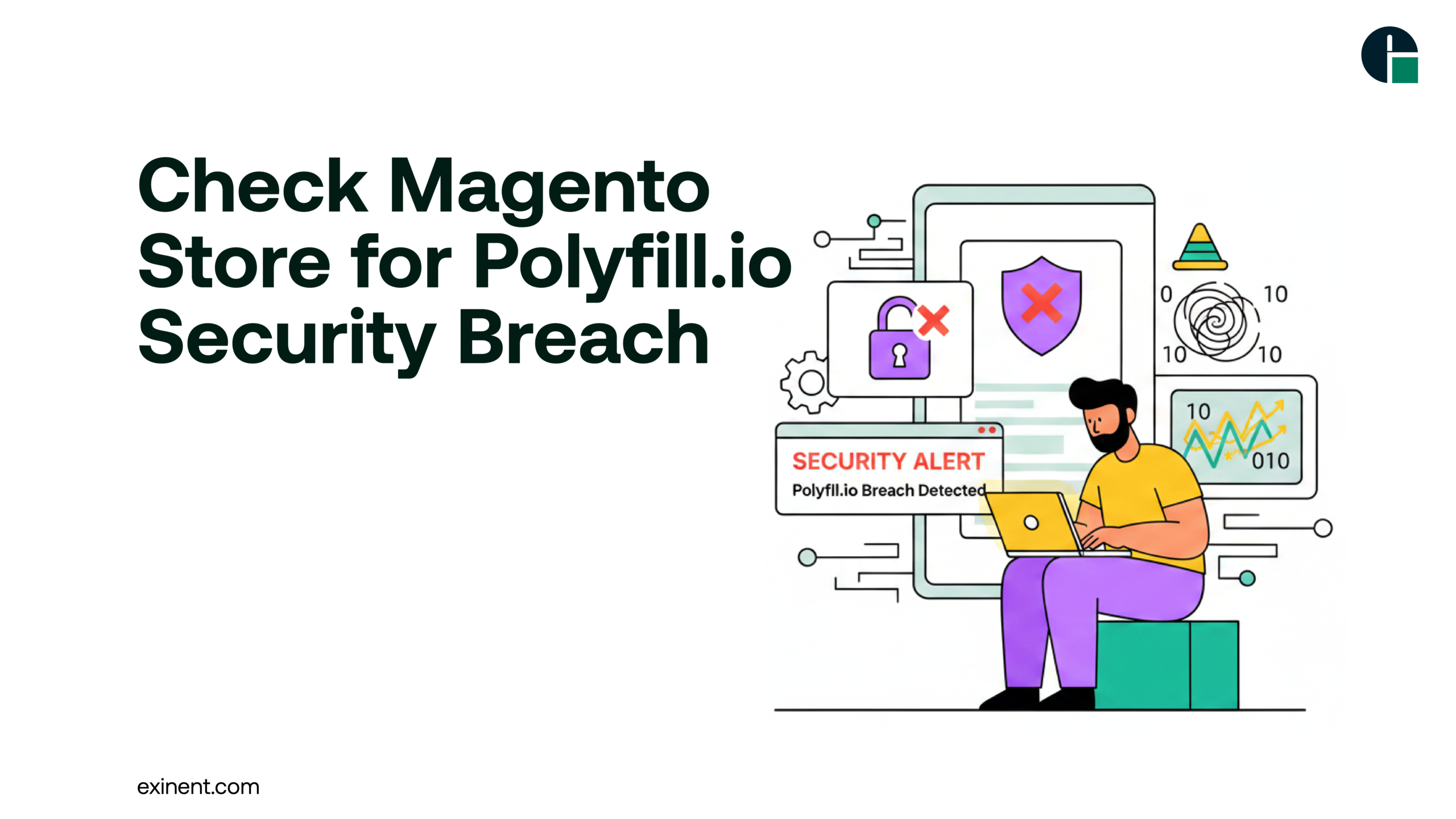
The Polyfill.io security breach has raised serious concerns across the eCommerce ecosystem, especially for Magento store owners. Since many websites relied on Polyfill.io to ensure browser compatibility, the compromise of this service introduced risks such as malicious script injection, data theft, and customer trust erosion.
If you run a Magento store, it’s critical to quickly assess whether your site is affected and take immediate action. This guide provides a clear, expert-driven approach to identifying risks, understanding impacts, and securing your store effectively.
What Is the Polyfill.io Security Breach?
Polyfill.io was a widely used JavaScript CDN that helped websites support older browsers. However, in 2024, the domain was acquired by a third party and later used to inject malicious code into websites using its script.
This turned a trusted service into a supply chain attack vector, impacting over 100,000 websites globally.
Why This Matters for Magento Stores
Magento stores often depend on external scripts for performance and compatibility. If your store includes:
- cdn.polyfill.io scripts
- Third-party themes or extensions using Polyfill
- Redirects users to scam websites
- Steals sensitive customer data
- Impacts SEO and Google Ads performance
Benefits of Checking Your Magento Store
Proactively checking your store offers several advantages:
- Improved Security: Detect vulnerabilities early
- Customer Trust: Protect user data and brand reputation
- SEO Protection: Avoid penalties from malicious redirects
- Compliance: Meet security and data protection standards
Signs Your Magento Store May Be Affected
Before diving into technical checks, watch for these warning signs:
- Sudden redirects (especially on mobile devices)
- Drop in traffic or conversions
- Google Ads suspension or warnings
- Unusual scripts loading in your browser
- Customer complaints about suspicious behavior
These symptoms often indicate malicious JavaScript injection, a known effect of the Polyfill attack.
How to Check if Your Magento Store Is Affected
1. Scan Your Codebase for Polyfill.io References
Search your Magento theme and custom code for:
https://cdn.polyfill.io
Check:
- Header and footer files
- Third-party extensions
- Custom JavaScript integrations
2. Inspect Network Requests
Use browser developer tools:
- Open your website
- Go to Inspect → Network tab
- Reload the page
- Look for requests to Polyfill.io
If found, your store is potentially exposed.
3. Run a Security Scan
Use security tools like:
- Malware scanners
- Website vulnerability scanners
- Magento security extensions
These tools can detect suspicious scripts and external connections.
4. Check for Unexpected Behavior
Monitor your site for:
- Unusual redirects
- Slow loading times
- Suspicious pop-ups
- Unauthorized changes in analytics data
5. Review Third-Party Extensions
Some Magento extensions may still include Polyfill.io scripts.
- Audit installed extensions
- Check vendor documentation
- Update or remove outdated plugins
Challenges in Detecting the Breach
Identifying the Polyfill.io issue isn’t always straightforward.
Common Challenges
- Hidden scripts: Embedded deep in third-party code
- Conditional attacks: Malicious code may only trigger for specific users
- Caching issues: Old scripts may persist even after removal
- Lack of visibility: Non-technical users may miss vulnerabilities
Best Practices to Secure Your Magento Store
1. Remove Polyfill.io Immediately
Replace it with:
- Self-hosted polyfills
- Trusted CDN alternatives
2. Implement Content Security Policy (CSP)
Restrict which external scripts can run on your site:
- Prevent unauthorized script execution
- Reduce risk of future attacks
3. Keep Magento and Extensions Updated
Regular updates ensure:
- Security patches are applied
- Vulnerabilities are minimized
4. Use Trusted Development Partners
Working with experts ensures your store remains secure and optimized. Consider partnering with a professional Magento Development Company to audit and safeguard your platform.
5. Monitor Logs and Analytics
- Check server logs for unusual activity
- Monitor traffic spikes or drops
- Use security monitoring tools
Conclusion
The Polyfill.io security breach highlights the risks of relying on third-party services without regular monitoring. Magento store owners must take immediate steps to identify vulnerabilities, remove unsafe scripts, and strengthen their security posture.
By following the best practices outlined above, you can protect your store, your customers, and your brand reputation.
Call to Action
If you’re unsure about your store’s security or need expert assistance, partner with Exinent to perform a comprehensive Magento security audit and ensure your eCommerce business stays protected and future-ready.