
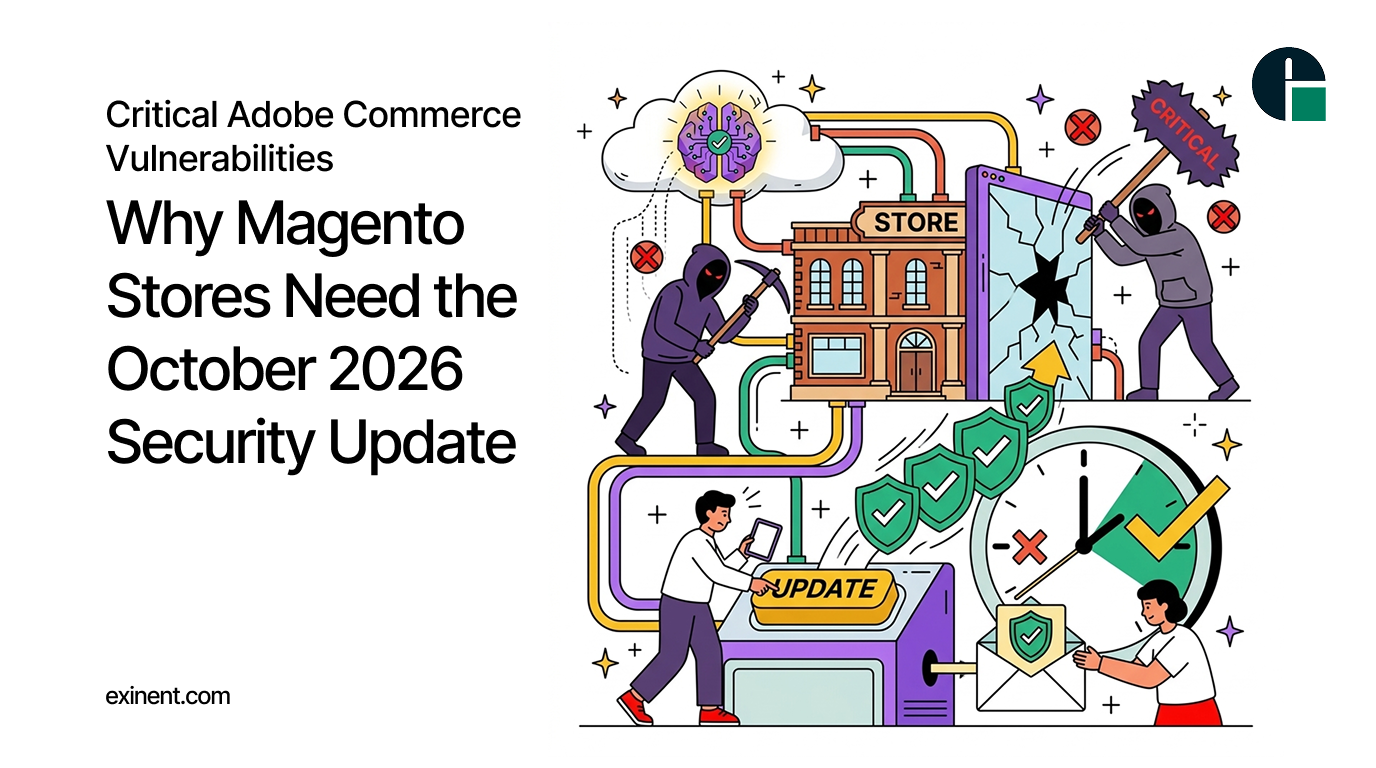
Ecommerce security is essential for protecting customer information, maintaining business continuity, and building customer trust. For Magento and Adobe Commerce store owners, applying security updates promptly is one of the most important steps toward preventing cyberattacks.
On October 2026, Adobe released security bulletin APSB26-153, addressing 11 vulnerabilities in Adobe Commerce and Magento Open Source. The update includes critical security issues that could allow arbitrary code execution, privilege escalation, arbitrary file system writes, and security feature bypasses. One vulnerability received a maximum CVSS score of 10.0, highlighting the importance of timely remediation.
For businesses operating Magento stores, delaying this update could leave important security weaknesses unresolved. Understanding the vulnerabilities, identifying affected versions, and applying the appropriate fixes should be immediate priorities.
What Is the October 2026 Adobe Commerce Security Update?
Adobe’s October 2026 security bulletin addresses vulnerabilities affecting Adobe Commerce, Adobe Commerce B2B, and Magento Open Source.
According to Adobe, affected versions include:
- Adobe Commerce versions 2.4.9-2026-sep and earlier.
- Adobe Commerce versions 2.4.8-2026-sep, 2.4.7-2026-sep, 2.4.6-2026-sep, 2.4.5-2026-sep, and 2.4.4-2026-sep.
- Magento Open Source versions 2.4.9-2026-sep and earlier, including the affected 2.4.8, 2.4.7, and 2.4.6 release lines.
- Several Adobe Commerce B2B versions.
The bulletin has a Priority 2 rating. Adobe recommends updating affected installations to the appropriate fixed versions. The company also states that it is not aware of exploits in the wild for the vulnerabilities addressed by this bulletin at the time of publication.
Store owners should verify their exact product version and consult Adobe’s official security bulletin before selecting a patch.
Critical Vulnerabilities Magento Store Owners Should Know About
The October security update addresses multiple vulnerability types. Some are particularly concerning because they could expose ecommerce applications to serious security risks.
1. Template Engine Injection: CVE-2026-103849
CVE-2026-103849 is a critical vulnerability with a CVSS score of 10.0. It involves improper neutralization of special elements used in a template engine.
Adobe identifies arbitrary code execution as its potential impact. The bulletin indicates that authentication is not required to exploit this vulnerability.
Successful exploitation of a vulnerability of this nature could allow an attacker to execute unauthorized code, potentially compromising application data and disrupting store operations.
For ecommerce businesses, this makes prompt remediation essential.
2. Incorrect Authorization in Adobe Commerce B2B
CVE-2026-92909 is another critical vulnerability, with a CVSS score of 9.8. It involves incorrect authorization and affects Adobe Commerce B2B.
Adobe identifies arbitrary code execution as its potential impact and indicates that authentication is not required for exploitation.
Authorization vulnerabilities can undermine the security boundaries that control access to sensitive application functions. Businesses using Adobe Commerce B2B should verify whether their installations are affected and apply the appropriate fixes.
3. Stored Cross-Site Scripting Vulnerabilities
The bulletin also addresses critical stored cross-site scripting vulnerabilities, including CVE-2026-91013 and CVE-2026-100133.
These vulnerabilities could contribute to privilege escalation. Stored cross-site scripting occurs when an application stores malicious input and subsequently renders it in a way that allows scripts to execute in another user’s browser.
Depending on the affected functionality and exploitation conditions, this type of weakness can expose users to unauthorized actions or compromise administrative sessions.
4. Improper Input Validation and File System Risks
CVE-2026-92464 involves improper input validation and has a critical severity rating of 9.1. Adobe identifies arbitrary code execution as its potential impact.
Another vulnerability, CVE-2026-95631, could allow arbitrary file system writes.
Unrestricted or improperly validated file operations can create opportunities for attackers to modify application files or interfere with the integrity of a store.
Together, these issues demonstrate why security patches must be treated as essential maintenance rather than optional technical improvements.
Why Delaying the Security Update Is Risky
Magento stores frequently process customer information, orders, payments, shipping details, and account credentials. A compromised ecommerce platform can therefore affect both business operations and customer trust.
Leaving known vulnerabilities unpatched can increase several risks:
Unauthorized access: Vulnerabilities may provide opportunities to bypass intended security controls.
Application compromise: Certain vulnerabilities could allow attackers to execute unauthorized code or modify files.
Customer data exposure: A compromised application may expose sensitive information, depending on the attacker’s access and the affected systems.
Business disruption: Security incidents can lead to downtime, emergency recovery work, and lost sales.
Reputational damage: Customers may lose confidence in a store that fails to protect their information.
Although Adobe reported no known exploitation in the wild for the vulnerabilities addressed by APSB26-153 at publication time, that does not eliminate the risk of future exploitation.
How to Apply the October 2026 Magento Security Update
Magento store owners should follow a structured approach to remediation.
Step 1: Identify Your Magento Version
Check whether your installation runs an affected Adobe Commerce or Magento Open Source release. Also determine whether Adobe Commerce B2B is installed and which version it uses.
Step 2: Review Adobe’s Official Security Bulletin
Consult Adobe’s APSB26-153 bulletin to identify the correct fix for your environment.
Adobe has provided October isolated security patches for affected release lines. The appropriate patching method depends on your installed version and deployment configuration.
Step 3: Address the Previous Security Hotfix
Adobe specifically instructs customers to apply the hotfix for CVE-2026-75650 alongside the October security remediation.
Do not assume that applying the October patch automatically resolves every earlier security issue. Verify that the required fixes are present.
Step 4: Test Before Production Deployment
Back up your application and database, then test the update in a staging environment.
Check critical functionality, including checkout, payment processing, customer login, product catalog operations, admin access, and third-party integrations.
Step 5: Verify the Patch and Monitor Your Store
After deployment, confirm that the patch was applied successfully. Review application logs, monitor suspicious activity, and investigate unexpected changes to files, administrator accounts, or system behavior.
Follow Adobe’s additional remediation guidance, including its recommendation to rotate encryption keys and associated credentials.
How Magento Maintenance Helps Prevent Security Problems
Security management requires more than installing a single patch. Magento stores need regular updates, vulnerability assessments, dependency management, backups, performance monitoring, and compatibility testing.
Professional Magento Support and Maintenance can help businesses maintain a more secure and reliable ecommerce platform.
A structured maintenance plan can help identify outdated components, reduce avoidable security risks, resolve technical issues, and ensure that essential updates are applied without unnecessarily disrupting store operations.
Regular maintenance is particularly important for businesses running customized Magento stores with multiple extensions, third-party integrations, and complex checkout workflows.
Conclusion
The October 2026 Adobe Commerce security update addresses 11 vulnerabilities, including critical flaws that could lead to arbitrary code execution, privilege escalation, and unauthorized file system writes.
Magento store owners should identify affected versions, review Adobe’s official guidance, apply the appropriate October security patches, and verify that the earlier CVE-2026-75650 hotfix is also installed.
Taking action now can reduce exposure to known vulnerabilities and help protect customer trust, business continuity, and ecommerce operations.
Secure Your Magento Store with Exinent
Is your Magento store running an affected version? Don’t let outdated software put your ecommerce business at unnecessary risk.
Exinent helps businesses maintain, secure, and optimize their Magento stores through professional maintenance, technical troubleshooting, upgrades, and ongoing support.
Visit Exinent’s Magento Support and Maintenance page to learn how its team can help keep your store secure, stable, and ready for growth.
Contact Exinent today to discuss your Magento security update and maintenance requirements.
FAQ’S :
What is the October 2026 Adobe Commerce security update?
The October 2026 Adobe Commerce security update addresses security vulnerabilities affecting supported Adobe Commerce and Magento products. Store owners should review Adobe’s official security bulletin, APSB26-153, to identify affected versions, available patches, and recommended remediation steps before updating their stores.
Why do Magento stores need the October 2026 security update?
Magento stores need the October 2026 security update to reduce the risk of unauthorized access, data exposure, and potential attacks against vulnerable software. Applying the appropriate security patch helps protect customer information, checkout operations, and store administration. Store owners should verify their exact product version against Adobe’s official advisory to determine whether action is required.
Which Adobe Commerce and Magento versions are affected by the October 2026 vulnerabilities?
Affected versions depend on the specific vulnerability and Adobe’s published security advisory. Check adobe.com for the affected product versions, fixed releases, and patch instructions. Do not assume that every Magento or Adobe Commerce installation is affected equally; verify the installed version and edition first.
What are the risks of not installing Adobe Commerce security patches?
Leaving a vulnerable Magento store unpatched can increase the risk of exploitation, unauthorized administrative access, customer data theft, and disruption to business operations. Depending on the vulnerability, attackers may also compromise store functionality or introduce malicious code. Delayed patching can increase recovery costs and damage customer trust, so security updates should be prioritized according to their severity and applicability.
How do I apply the October 2026 Adobe Commerce security patch?
Follow these five steps: (1) identify your installed Adobe Commerce or Magento Open Source version, (2) review the APSB26-153 bulletin, (3) back up your files and database, (4) apply the correct security update or isolated patch according to Adobe’s instructions, and (5) test checkout, admin access, and integrations. Adobe also recommends applying the separate hotfix for CVE-2026-75650 and rotating encryption keys and related credentials.
Will the October 2026 Magento security update cause website downtime?
A Magento security update may require maintenance time, depending on the patch, hosting environment, and custom integrations. Test the update in a staging environment first, schedule deployment during a low-traffic period, and prepare a rollback plan. After deployment, verify essential functions such as product browsing, checkout, payment processing, and order management.
How much does it cost to install an Adobe Commerce security patch?
The cost depends on your store’s complexity, custom code, hosting setup, and the expertise required to apply and test the patch. Merchants who manage updates internally may primarily incur staff and testing costs, while businesses using an external developer or maintenance provider may pay service fees. Request a scope-based estimate before starting the work.
What should Magento store owners check after installing the October 2026 security update?
After patching, verify the installed version or patch status, review application and server logs, and test critical storefront and administrative functions. Check payment gateways, shipping integrations, customer accounts, and custom extensions for compatibility issues. Also follow Adobe’s remediation guidance for encryption key and credential rotation, and investigate any suspicious activity detected during the update process.
Is the October 2026 Adobe Commerce security update necessary if my store has never been hacked?
Yes, because the absence of known attacks against your store does not mean it is protected from newly disclosed vulnerabilities. Adobe’s APSB26-153 bulletin identifies critical vulnerabilities, including issues that can allow arbitrary code execution. Review the affected versions and apply the appropriate fixes promptly rather than waiting for evidence of an attack.
How can Magento maintenance and support services help protect an online store?
Magento maintenance and support services can help merchants assess vulnerabilities, apply security patches, test custom extensions, monitor errors, and maintain backups. Regular maintenance also helps identify compatibility problems before they affect customers. Choose a provider with experience in your Magento edition and deployment environment, and ensure security updates are handled according to Adobe’s official guidance.