
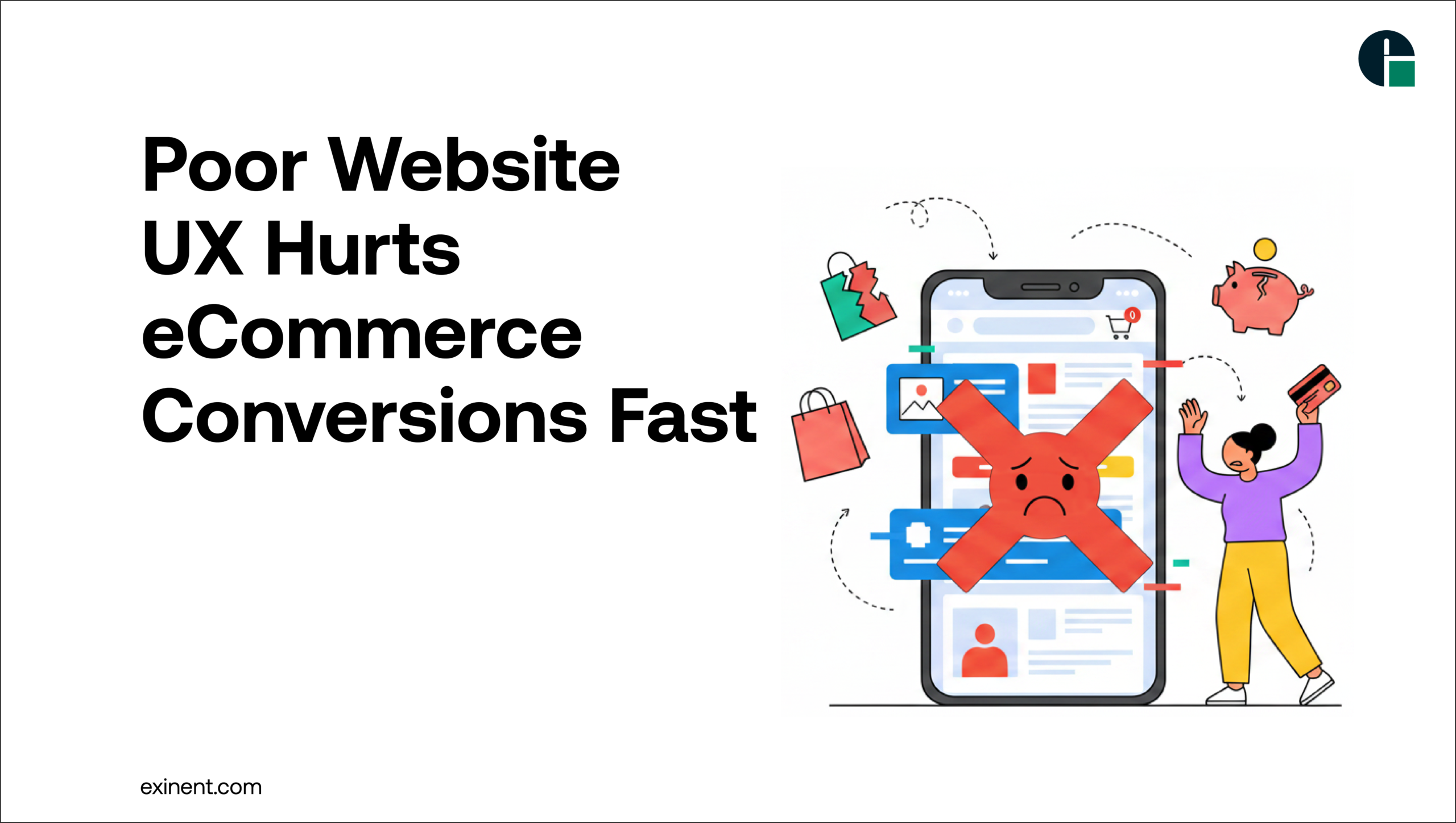
Poor website UX (User Experience) directly impacts eCommerce conversions by making it difficult for visitors to navigate, search, and complete purchases. When users face slow load times, confusing layouts, or complex checkout processes, they are more likely to abandon the website and choose competitors instead.
Why UX Matters in eCommerce
In the competitive world of online retail, user experience (UX) plays a crucial role in determining whether visitors become customers. A well-designed website guides users smoothly from product discovery to checkout. However, when the UX is poor, it creates frustration, confusion, and ultimately lost revenue.
Many eCommerce businesses invest heavily in marketing to drive traffic but fail to optimize the user journey on their websites. If visitors cannot easily find products, navigate pages, or trust the platform, they leave without completing a purchase. This is why businesses must prioritize UX as a key component of their online strategy.
Partnering with professional E-commerce Development Services providers can help businesses build user-friendly online stores that encourage engagement and conversions.
What is Website UX in eCommerce?
Website UX refers to how users interact with an online store and how easy, efficient, and enjoyable the shopping experience is. It includes several factors such as:
- Website navigation
- Page load speed
- Mobile responsiveness
- Product page design
- Checkout process
- Search functionality
When these elements work together effectively, users can quickly find products and complete purchases. However, poor UX disrupts this journey and leads to lost sales.
How Poor Website UX Hurts eCommerce Conversions
1. Slow Website Loading Speed
Website speed is one of the most important factors influencing user experience. Studies show that users expect websites to load within a few seconds. If a website takes too long, visitors abandon it before exploring products.
Slow-loading pages increase bounce rates and significantly reduce conversion rates. Speed optimization should therefore be a priority for any eCommerce website.
2. Complicated Navigation
Customers expect online stores to be easy to explore. If navigation menus are confusing or categories are poorly structured, users struggle to find products.
For example:
- Too many menu options
- Poorly labeled categories
- Lack of filters or sorting options
These issues frustrate users and push them to competitors with better navigation.
3. Poor Mobile Experience
Mobile commerce continues to grow rapidly, with many shoppers using smartphones to browse and purchase products. If an eCommerce website is not optimized for mobile devices, it can create a frustrating experience.
Common mobile UX issues include:
- Text that is too small
- Buttons that are difficult to tap
- Slow mobile loading speed
- Broken layouts
A mobile-friendly design is essential to maintain engagement and drive conversions.
4. Complex Checkout Process
A lengthy or complicated checkout process is one of the biggest reasons for cart abandonment. Customers prefer quick and simple checkouts with minimal steps.
Poor UX during checkout may include:
- Mandatory account creation
- Too many form fields
- Hidden shipping costs
- Lack of payment options
Simplifying the checkout process helps reduce friction and encourages users to complete their purchases.
5. Lack of Trust and Credibility
Trust is critical in eCommerce. If a website looks outdated, unprofessional, or lacks security indicators, customers may hesitate to make purchases.
Key trust signals include:
- SSL certificates
- Secure payment gateways
- Customer reviews
- Clear return policies
A professional UX design builds confidence and encourages customers to proceed with transactions.
Benefits of Good UX for eCommerce Businesses
Investing in good website UX provides several advantages for eCommerce businesses.
Higher Conversion Rates
When users find it easy to navigate and purchase products, they are more likely to complete transactions.
Better Customer Retention
A smooth and enjoyable shopping experience encourages customers to return for future purchases.
Lower Cart Abandonment
Optimized checkout processes reduce friction and improve completion rates.
Improved Brand Reputation
A professional website builds credibility and strengthens brand trust among customers.
Businesses that invest in E-commerce Development Services can implement advanced UX strategies that improve both user satisfaction and sales performance.
Best Practices to Improve eCommerce UX
To avoid the negative impact of poor UX, businesses should focus on the following best practices:
Optimize Website Speed
- Compress images
- Use reliable hosting
- Enable caching
- Minimize unnecessary scripts
Simplify Navigation
- Use clear menu categories
- Add product filters
- Implement a powerful search feature
Focus on Mobile-First Design
- Ensure responsive layouts
- Optimize touch interactions
- Reduce mobile page load times
Streamline Checkout
- Offer guest checkout
- Reduce form fields
- Display transparent pricing
- Provide multiple payment options
Improve Product Pages
- Use high-quality images
- Provide detailed product descriptions
- Add customer reviews and ratings
These improvements create a smooth shopping journey and significantly increase conversion potential.
Conclusion
Poor website UX can significantly harm eCommerce conversions by frustrating users and preventing them from completing purchases. Issues such as slow loading speeds, confusing navigation, poor mobile optimization, and complex checkout processes can drive potential customers away.
Businesses that prioritize user experience create seamless shopping journeys that encourage visitors to explore products and complete transactions. Investing in professional E-commerce Development Services ensures that online stores are optimized for usability, performance, and conversions.
By focusing on UX improvements, eCommerce businesses can reduce bounce rates, increase customer satisfaction, and ultimately drive long-term growth.
FAQ’S :
What is poor website UX in eCommerce?
Poor website UX (user experience) refers to confusing navigation, slow loading, cluttered design, or difficult checkout processes. It makes it hard for users to find products or complete purchases. This often leads to frustration and higher bounce rates. A bad UX directly impacts conversions and sales.
How does poor UX affect eCommerce conversion rates?
Poor UX can reduce conversion rates by 20–70% depending on the severity of issues. Slow pages, broken links, or complex checkout flows cause users to abandon their carts. Even small usability problems can lead to lost revenue. A smooth UX keeps users engaged and encourages purchases.
Why do users leave an eCommerce site without buying?
Users leave due to slow load times (over 3 seconds), confusing layouts, hidden costs, or lack of trust signals. Poor mobile optimization is another major reason. If users can’t quickly find what they need, they exit. First impressions matter heavily in eCommerce.
How can I tell if my website UX is hurting sales?
Look at metrics like high bounce rate (above 50%), low conversion rate (below 2–3%), and high cart abandonment (over 70%). User feedback and heatmaps can also reveal pain points. Frequent drop-offs during checkout indicate UX issues. Analytics tools help identify problem areas.
What are common UX mistakes in eCommerce websites?
Common mistakes include slow loading speed, poor mobile design, complicated navigation, and long checkout forms. Lack of clear CTAs and product information also hurts UX. Missing trust elements like reviews or secure payment icons reduces confidence. These issues collectively impact conversions.
How does mobile UX impact eCommerce conversions?
Mobile users make up over 50% of eCommerce traffic. If your site isn’t mobile-friendly, users will leave quickly. Poor mobile UX leads to higher bounce rates and lower engagement. A responsive design improves conversions significantly.
Is improving website UX worth the investment?
Yes, improving UX can increase conversions by 2x or more in some cases. Better UX reduces bounce rates and boosts customer satisfaction. It also improves SEO rankings and repeat purchases. The ROI from UX improvements is often high.
What are quick ways to improve eCommerce UX?
Optimize page speed, simplify navigation, and streamline checkout to 2–3 steps. Use clear CTAs and high-quality product images. Add trust signals like reviews and secure payment badges. Regularly test and update based on user behavior.
How does page speed impact user experience and sales?
A 1-second delay in page load can reduce conversions by up to 7%. Slow websites frustrate users and increase bounce rates. Faster sites keep users engaged and improve rankings. Speed optimization is critical for both UX and revenue.
What role does checkout design play in conversions?
Checkout design is crucial—complex or lengthy processes cause cart abandonment. A simple, guest-friendly checkout increases completion rates. Reducing form fields and offering multiple payment options helps. A smooth checkout can significantly boost conversions.